
Seedance 2.5 AI Video Generator
Every video you create is yours to keep. Download in full 1080P HD and use it anywhere — YouTube, TikTok, Instagram, ads, or professional presentations.
What Seedance 2.5 AI can make
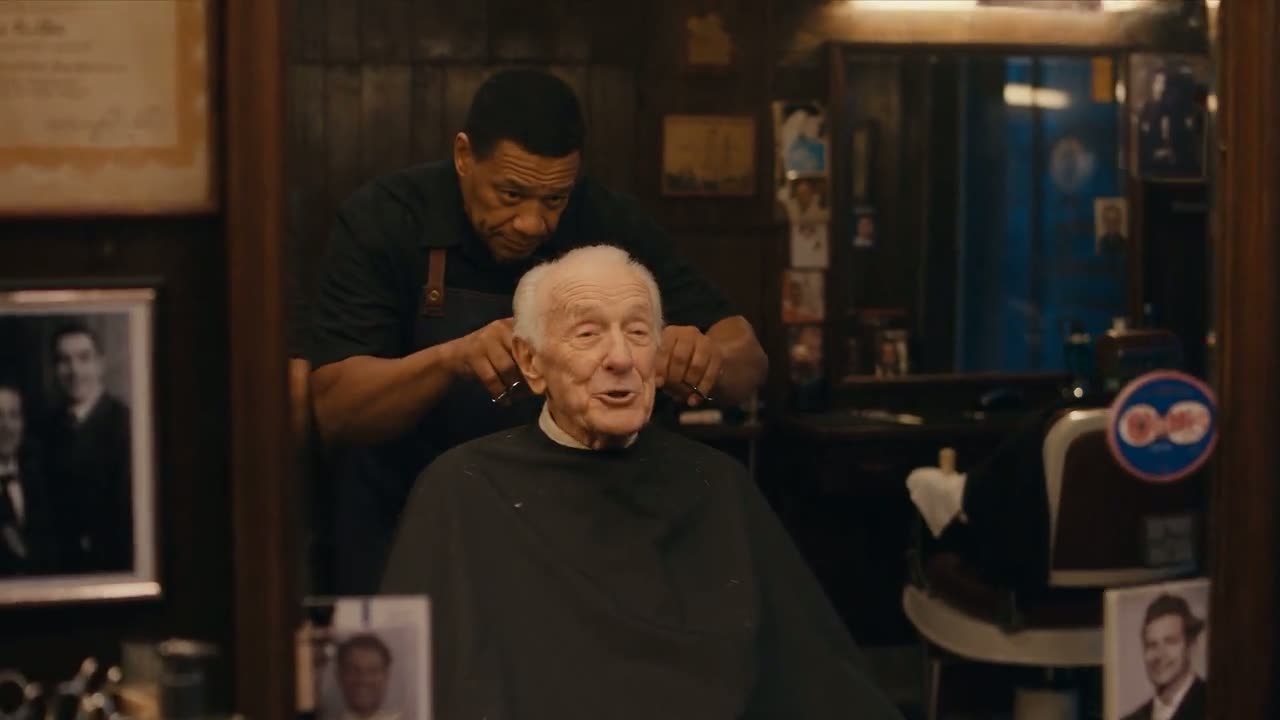
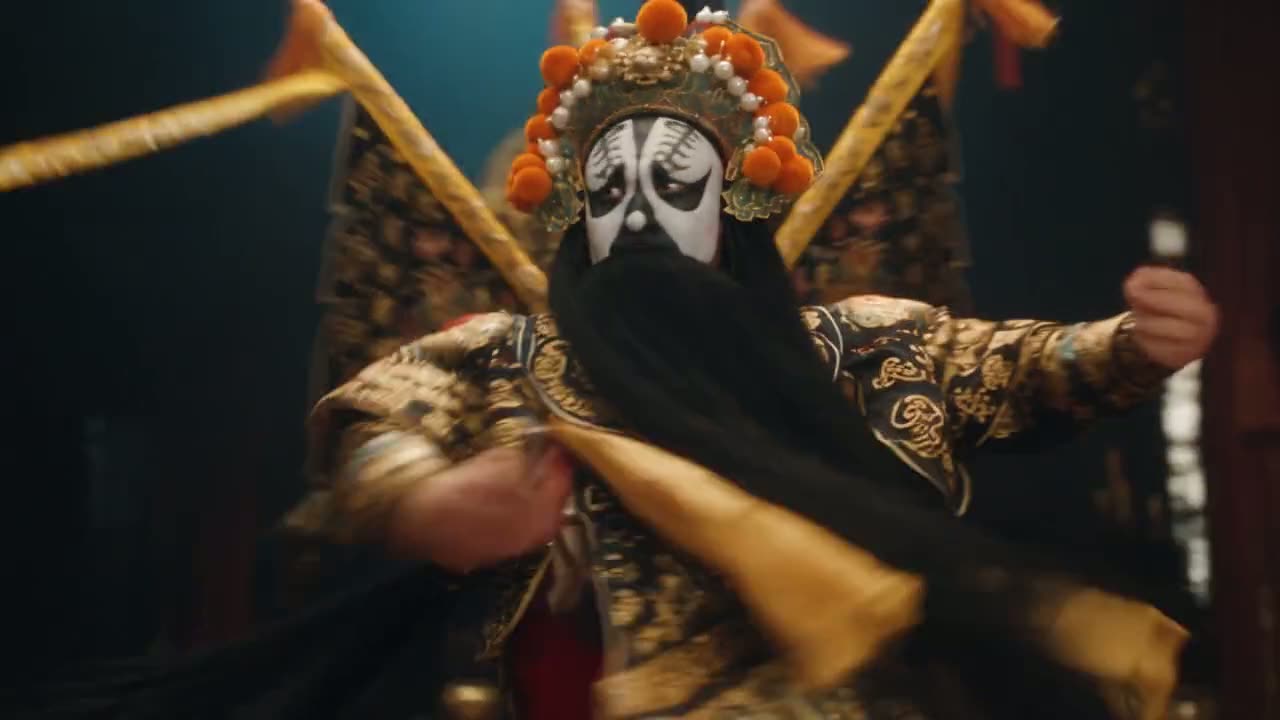
Nine clips from ByteDance's own Seedance 2.5 demos. Tap one to watch it with sound, then write your own scene in the generator above.
What is new in Seedance 2.5
Seedance 2.5 is the follow-up to Seedance 2.0 from ByteDance's Seed team, released in mid-2026 and described by ByteDance as an audio-video model built for 30-second storytelling. The clips in the player above are ByteDance's own demos. Our AI video generator on the home page runs the same model next to Seedance 2.0 and Veo 3.1.
Up to 30 seconds in one take
Seedance 2.0 stops at 15 seconds. The new model doubles that, so a whole scene, a short story or a product walk-through fits in one clip instead of two halves cut together.
Sound made with the picture
Voices, music, ambience and effects are generated in the same pass as the video, so footsteps, lines and beats land where the action is. Every clip here is made with sound switched on.
Steadier motion, more realistic scenes
ByteDance points to smoother, more consistent movement and more lifelike visuals. That matters most in long clips, where a face or an outfit has to stay the same from the first second to the last.
Up to 1080p
Test an idea at 480p, post at 720p, or render 1080p when the clip has to hold up on a large screen. On this site the 2.0 models stop at 720p.
From Seedance 1.0 to 2.5
Five releases in just over a year, each one adding what the next builds on.
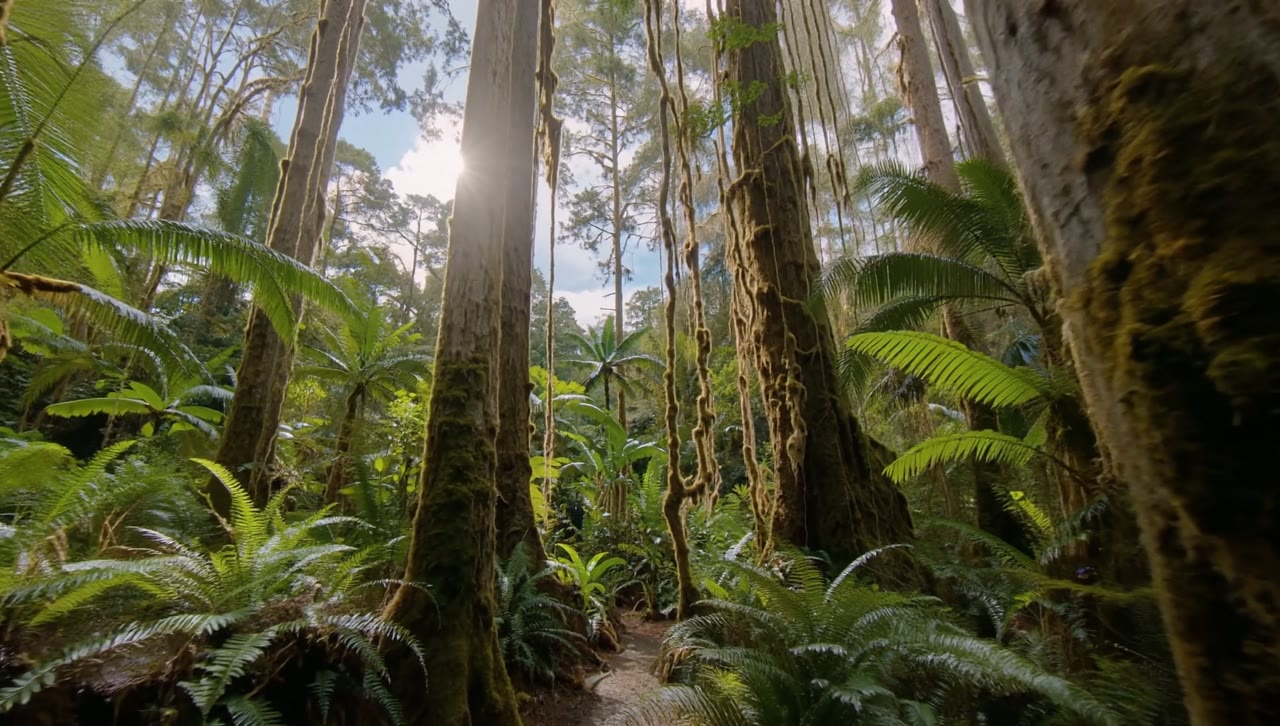
11 June 2025
Seedance 1.0
ByteDance's Seed team releases its first video model. At launch it tops both video leaderboards run by Artificial Analysis.

16 December 2025
Seedance 1.5 Pro
The first Seedance model built to generate picture and sound together, so speech and effects come out of the same render.
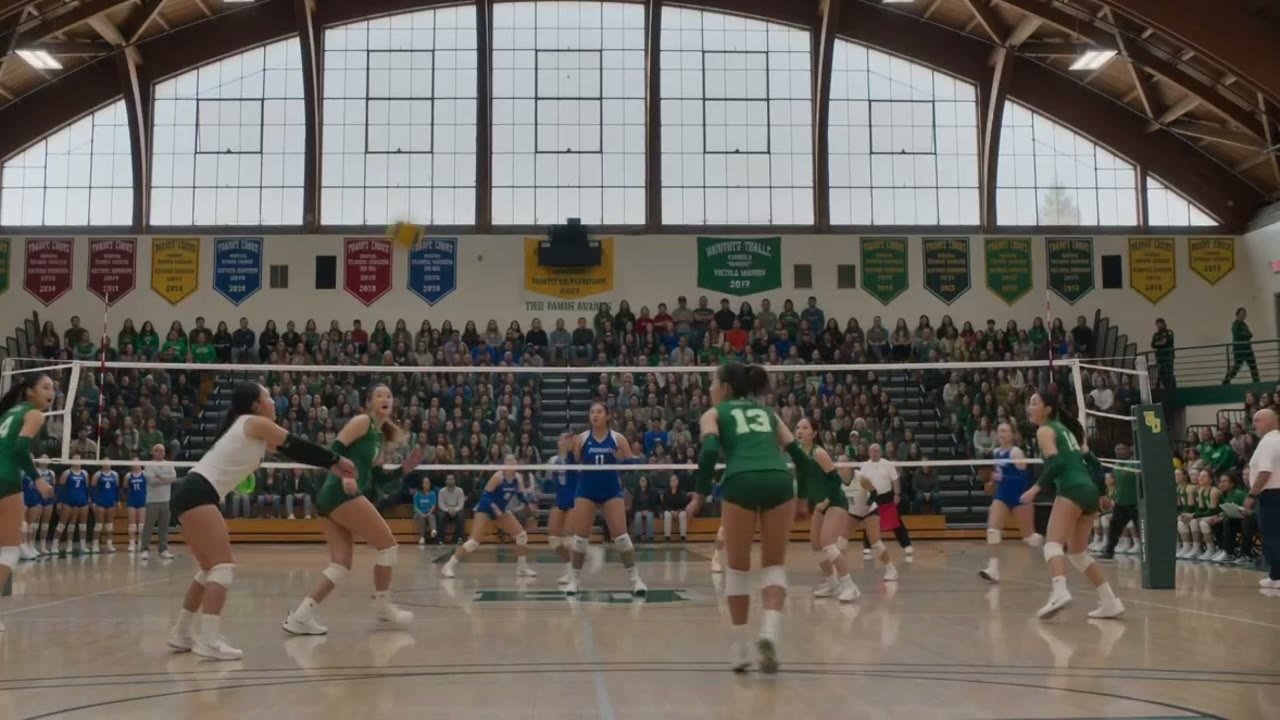
12 February 2026
Seedance 2.0
A new architecture that accepts text, images, audio and video as input, with clips of up to 15 seconds. Our home page generator still runs it.
June 2026
Seedance 2.0 Mini
A lighter, cheaper version of 2.0 for quick drafts. It is the default model in our home page generator.
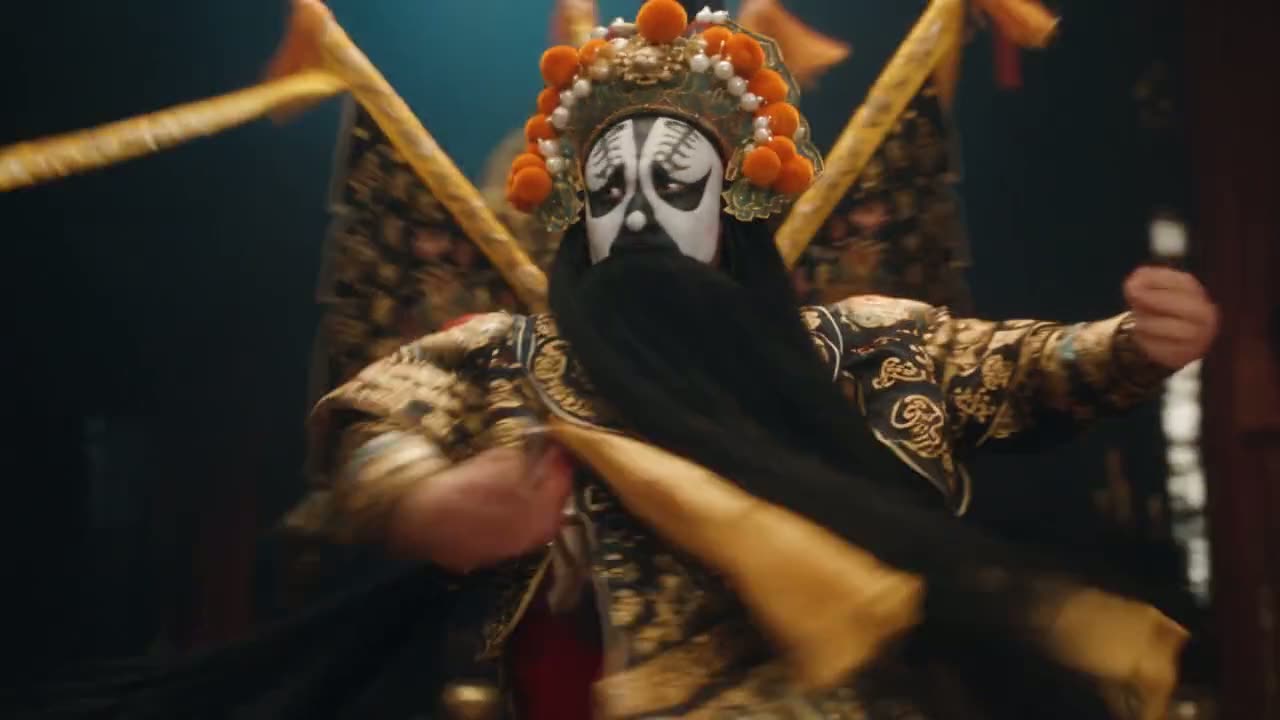
July 2026
Seedance 2.5
Thirty seconds in one take, far more reference files and edits to parts of a clip. The model this page is about.
What to make with 30 seconds and sound
Thirty seconds with sound is long enough for something with a beginning, a middle and an end. These three kinds of clip get the most out of the extra length.
Short stories and scenes
Write a scene with a setup, a turn and a payoff: two characters talking, a chase through a market, a slow camera move around a room. List the shots in the prompt in the order you want them.
Product and brand clips
Use a product photo as the first frame, describe the camera move and the sound, and pick 9:16 or 1:1 for Reels, TikTok or a shop page. The photo sets how the product looks in the opening shot.
Music, dance and performance
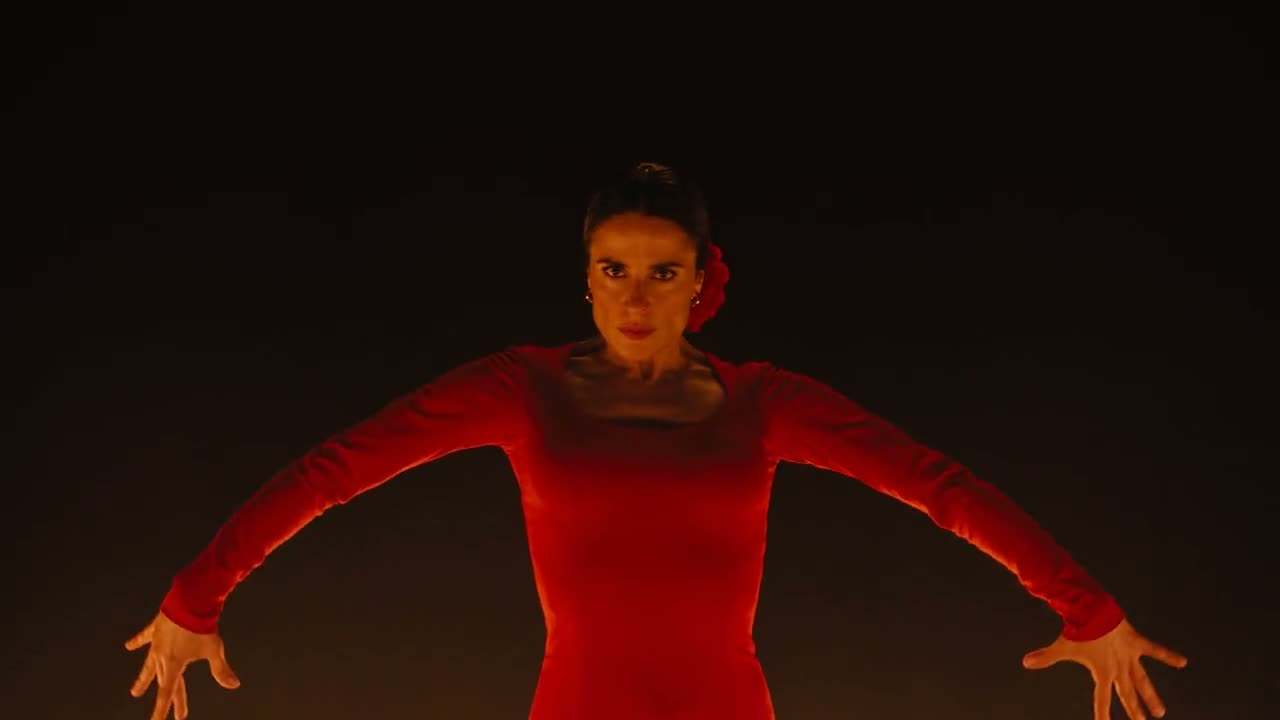
Describe the performer, the stage and the rhythm. Because picture and audio come from the same generation, steps and claps fall on the beat. If you would rather drop yourself into a trend, try a Bad Times AI video instead.
How to use Seedance 2.5 here
It runs in any phone or desktop browser, with no app to install. You need an account and enough credits for the length and resolution you pick.
Choose text or image
Text to video starts from a prompt alone. Image to video takes a first frame and an optional last frame, or up to 9 reference images of a person, a product or a place.
Write the prompt and set the clip
Describe the subject, the action, the camera and the sound. The new model is already selected; pick the resolution, a length from 4 to 30 seconds and the aspect ratio.
Generate and download
The button shows the credits before you start. The MP4 plays on the page when it is ready and stays under My Videos, so you can close the tab while it renders.
The three settings, explained
Three settings decide how the clip looks and how many credits it uses. Draft cheap, then spend on the version you keep. To see how it stacks up against the other AI video models here, open the comparison page.
Resolution
480p is the quickest way to check a prompt. 720p is the usual choice for social video. 1080p uses the most credits per second and is worth it for the final cut.
Length
Any whole number of seconds from 4 to 30. Credits are charged per second, so get the prompt right on a short clip first and only then stretch it to the full length.
Aspect ratio
Auto, 16:9, 9:16, 4:3, 3:4, 21:9 or 1:1. Pick 9:16 for TikTok and Reels, 16:9 for YouTube and 21:9 for a wide, film-like frame. Auto leaves the choice to the model.
Seedance 2.5 vs Seedance 2.0
All three models sit in the same generator. Pick the newest one when you need more than 15 seconds or 1080p, and the 2.0 models for drafts and short clips. For ready-made trends with no prompt at all, browse our collection of AI video effects.
| Seedance 2.5 | Seedance 2.0 | Seedance 2.0 Mini | |
|---|---|---|---|
| Longest clip | 30 seconds | 15 seconds | 15 seconds |
| Shortest clip | 4 seconds | 4 seconds | 4 seconds |
| Resolutions here | 480p, 720p, 1080p | 480p, 720p | 480p, 720p |
| Credits per second | Highest | Middle | Lowest |
| Best for | Full scenes and final cuts | Clips up to 15 seconds | Cheap drafts and tests |
Questions people ask
What is Seedance 2.5 AI?
It is a text-to-video and image-to-video model from ByteDance's Seed team and the successor to Seedance 2.0. It generates picture and sound together and makes single clips of up to 30 seconds. You can run it from the generator at the top of this page.
Is Seedance 2.5 free?
No. Every clip uses credits, charged per second and by resolution, and the Generate button shows the total before you start. The 30 free credits on a new account are not enough for a clip on this model. The Pricing page lists the monthly plans and the one-time credit packs.
How long can a Seedance 2.5 video be?
From 4 to 30 seconds in one generation, in whole seconds. That is twice the 15-second limit of Seedance 2.0. Longer clips take longer to render and use more credits, so test the prompt on a short version first and then make the long one.
Does it make videos with sound?
Yes. The model generates audio in the same pass as the picture: voices, music, ambience and sound effects. Describe what you want to hear in the prompt, for example rain on a window and a soft piano, or two people arguing in a busy street.
Can I use my own photos?
Yes. In image mode, upload a first frame, and a last frame if you want, to fix how the clip starts and ends, or add up to 9 reference images of a character, a product or a place. Only upload photos you took or have permission to use.
What is the difference between Seedance 2.5 and 2.0?
The newer model doubles the length to 30 seconds, offers 1080p here and, according to ByteDance, moves more smoothly and looks more realistic. Seedance 2.0 uses fewer credits per second and is fine for clips of up to 15 seconds, so many people draft on 2.0 and finish on the new one.
How long does a render take?
Several minutes. A 30-second or 1080p clip takes longer than a short 480p test. You can close the page while it works; the video appears under My Videos when it is done. A failed or filtered render is not charged and the credits go back to your balance.
Is this the official Seedance 2.5 site?
No. This site is an independent service that runs the model through an API, next to Seedance 2.0 and Veo 3.1, and it is not affiliated with ByteDance, which makes the model. Besides the generator it offers trend effects such as Outstanding Tiny Desk AI.

Make your first Seedance 2.5 clip
Write a scene, pick a length of up to 30 seconds and hear it play back with sound.