
Hotel Lobby AI
One person per photo, front-facing, well lit. The first photo takes the left spot, the second the right.
If a render fails, the credits come back to you.
More AI video effects
Same idea, different trend: pick another clip and cast it with your photos.
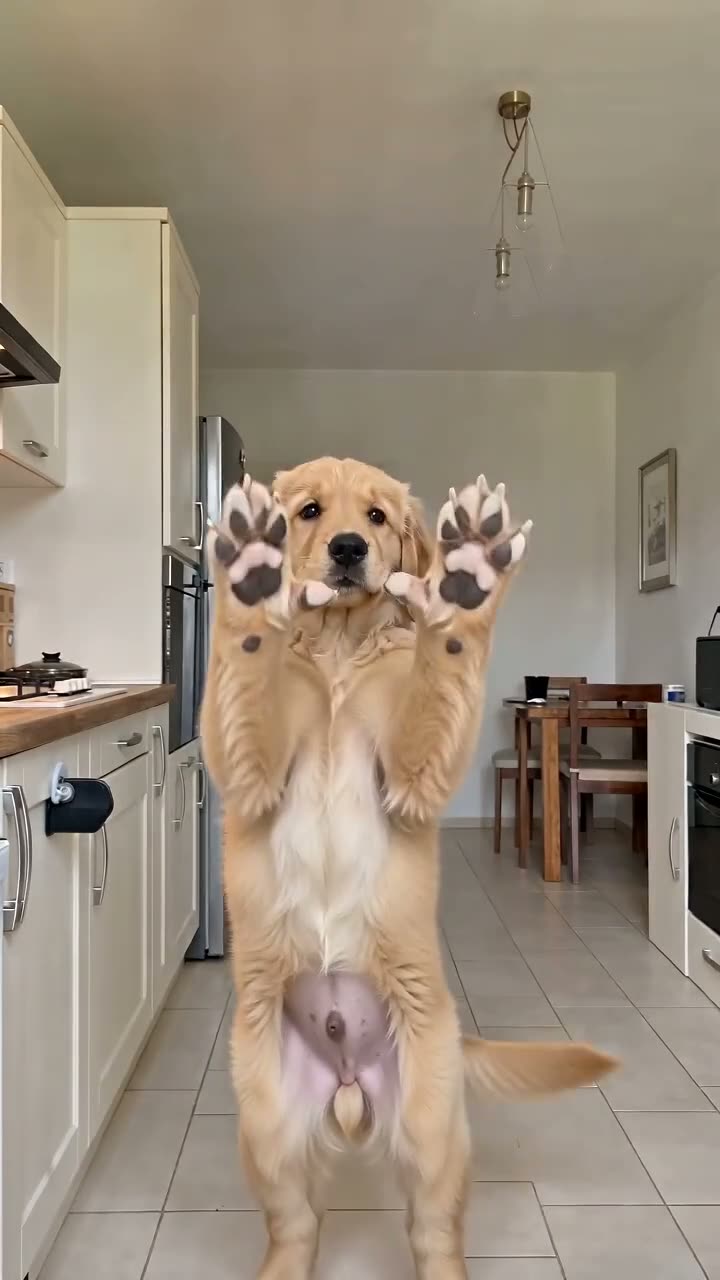
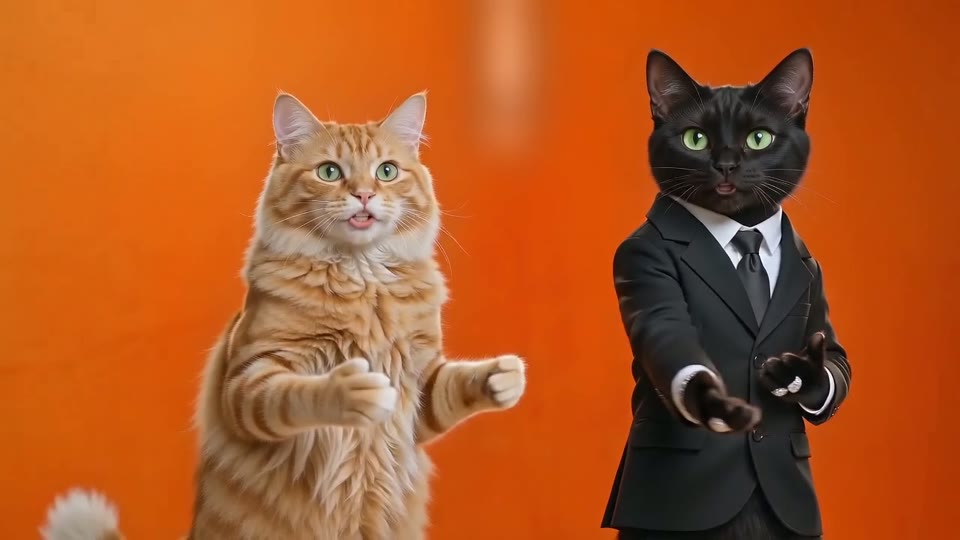
What the Hotel Lobby AI effect is built on
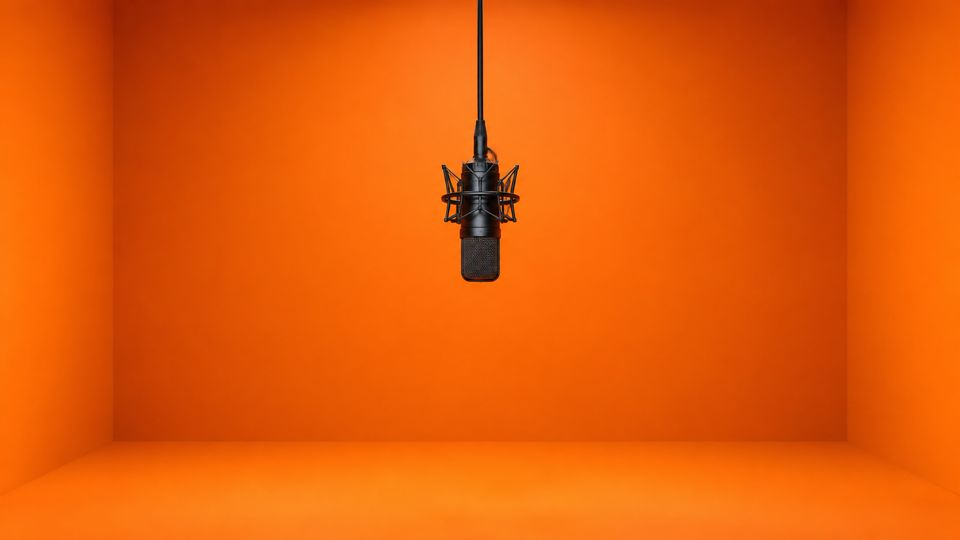
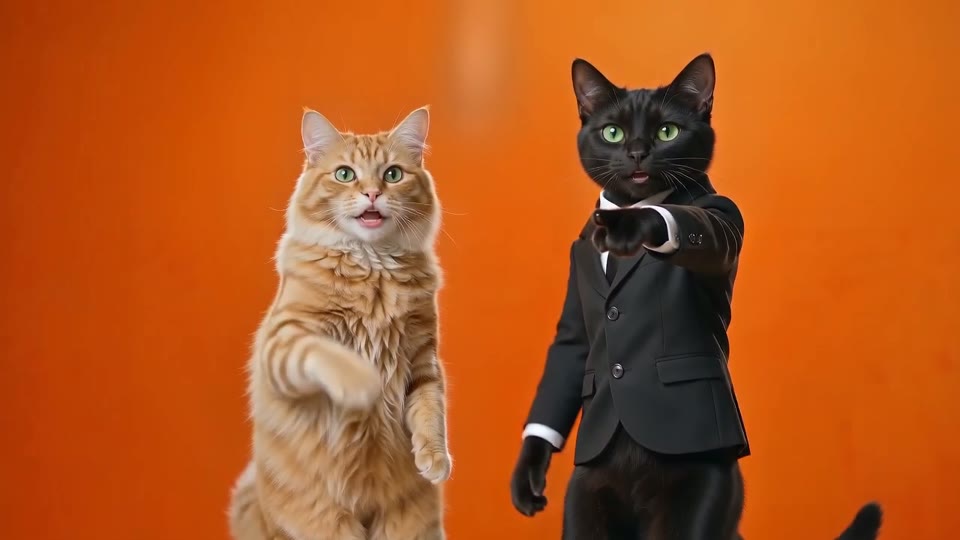
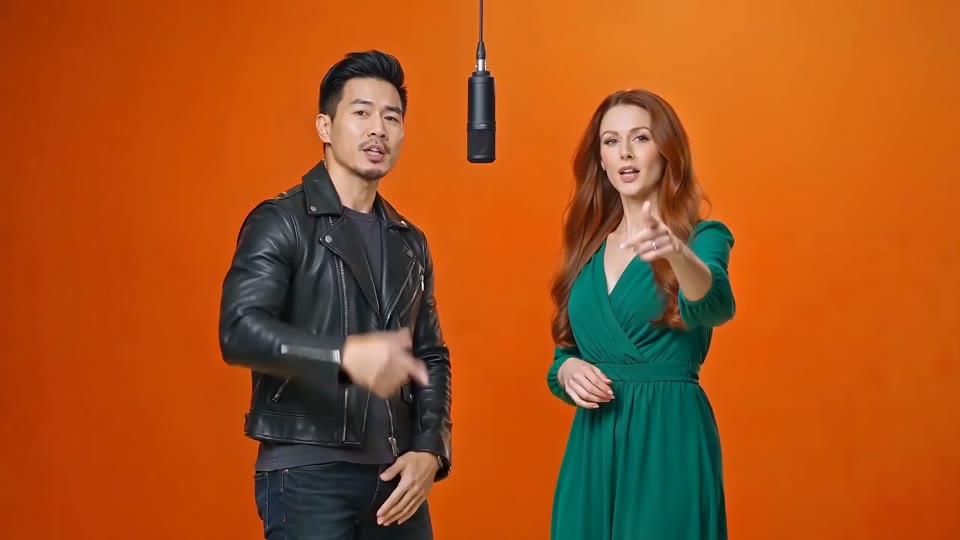
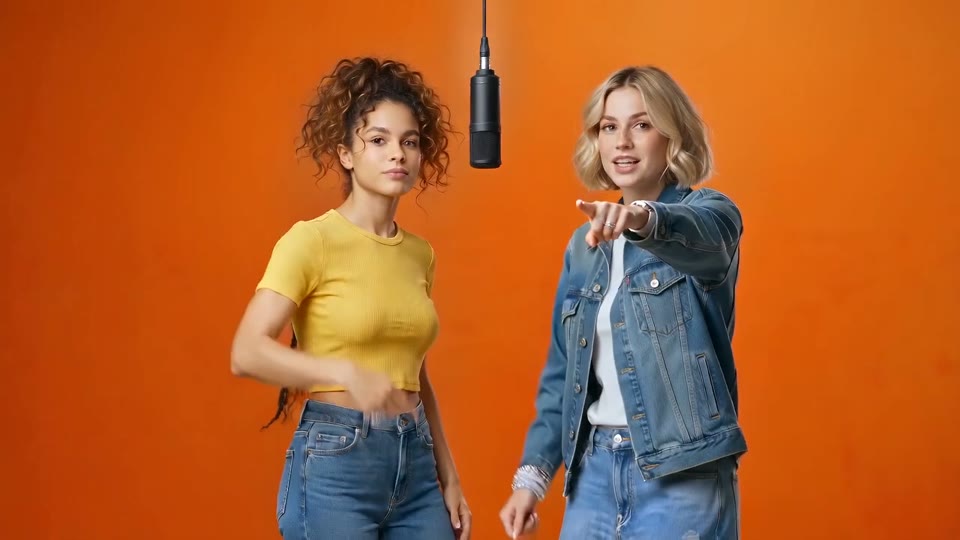
The Hotel Lobby AI trend reuses Quavo and Takeoff's 2022 performance of the song "Hotel Lobby" on A COLORS SHOW: two rappers in a bare matte-orange studio, one microphone hanging between them, trading lines with big hand gestures. In mid-September 2026 people started swapping in new faces, from best friends to a pair of cats, and on 23 September Quavo reposted the original. This page is part of our collection of AI video effects, all built on real trends.
It is a booth, not a hotel
"Hotel Lobby" is only the song title. Every version of the trend happens in that orange studio, which is why viewers recognise it in the first frame.
Two fixed spots
The clip always has one rapper on the left and one on the right. Your first photo fills the left spot, your second the right, and they never trade places.
What your photos change
Faces, hair, skin tone and clothes come from the two photos. Gestures, lip movement, the hanging microphone, the framing and the light all come from the clip.
What you get back
A landscape 16:9 MP4 that plays the song from the original clip, framed wide so both people stay fully in the shot from start to finish.
How Hotel Lobby AI started
Four years separate the original take from the AI versions.
2022
One take in an orange booth
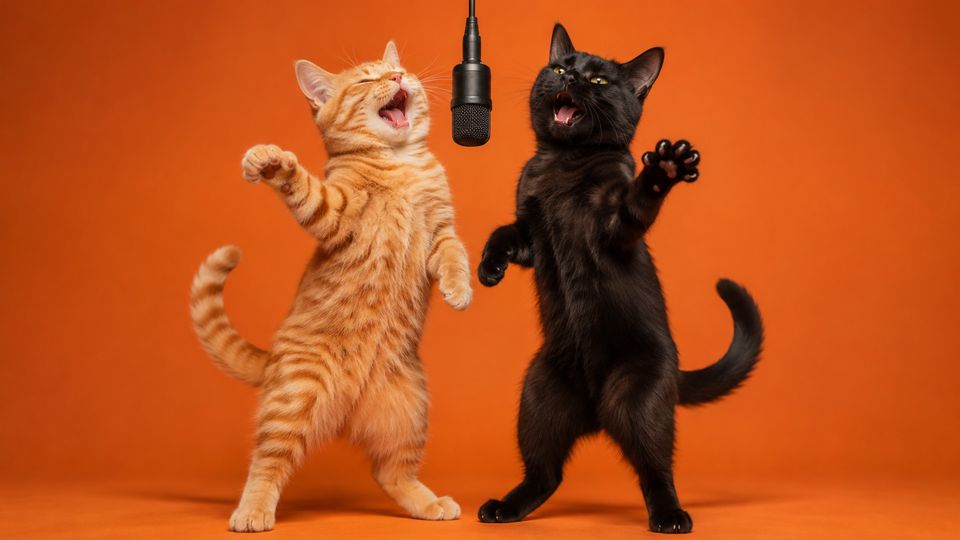
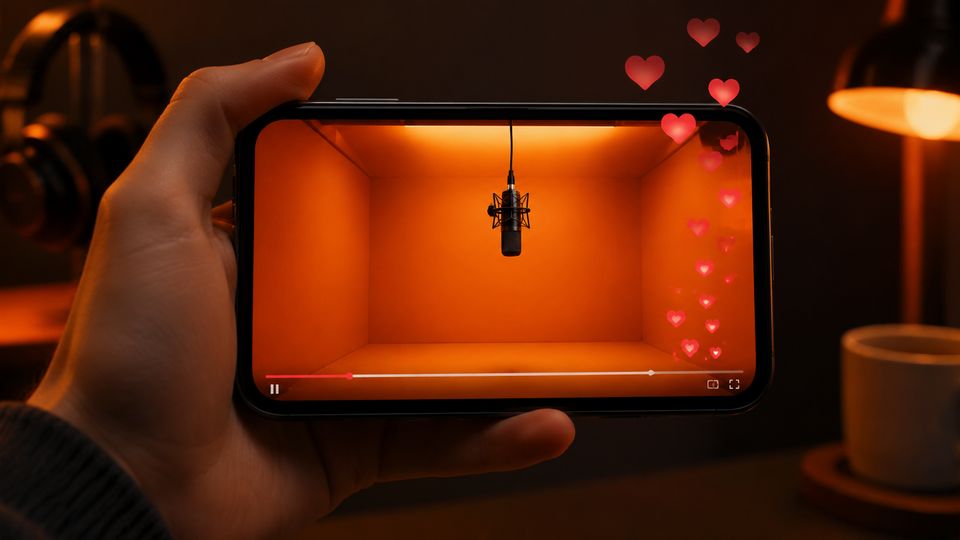
Quavo and Takeoff perform "Hotel Lobby" on A COLORS SHOW. The setup is famously plain: matte-orange walls, one hanging microphone, two rappers trading lines.
Mid-September 2026
The first swaps
An AI edit on TikTok drops two TV characters into the booth, and a post on X does the same with a pair of cats. Both spread within days.
23 September 2026
The original comes back
Quavo reposts the untouched performance with the caption "The original", and interest in the edits peaks over the next few days.
Late September 2026
Any duo will do
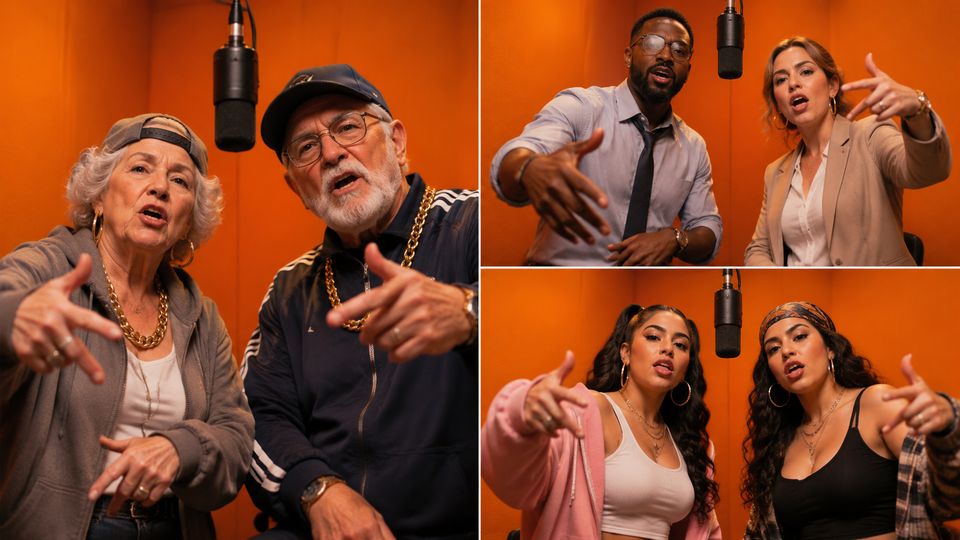
Couples, best friends, grandparents, coworkers and pets all take their turn in the booth, always with the same moves and the same song.
Who to pair in a Hotel Lobby AI video
The joke lands when the pair is unexpected but easy to tell apart. These three pairings come up again and again in the trend.
Best friends and couples
The classic version: two people who already finish each other's jokes, now trading lines in the booth. Put whoever should open on the left, since that spot is the first one viewers look at.
Siblings, coworkers, teammates
Two adults from the same group chat make the clip shareable straight away. Ask both before you post; everyone in the video should have said yes. Three or more of you? The Tiny Desk AI video seats up to five.
Two pets
One of the first viral versions starred two cats. Give each animal its own clear photo so they are easy to tell apart. For a single pet on its own, the Bad Times AI pet version is the better fit.
How to make a Hotel Lobby AI video
Two photos and about five minutes, in any phone or desktop browser.
Add the left and right photos
Upload one photo per person: the first goes to the left spot, the second to the right. One adult per photo, face sharp, turned toward the camera and well lit.
Pick a length and a level
Choose 4, 10 or 15 seconds. Four seconds is the Lite test; 10 and 15 seconds come in Standard, Plus or Ultra. The credits for the exact combination appear on the button before you start.
Generate, download, post
A video is usually ready in three to six minutes. You can leave the page; it waits under My Videos. Switch on the AI label when you post.
Photo tips
Photos for the two Hotel Lobby AI spots
One photo per spot and one person per photo. The same rules apply to the left and the right.
Works best
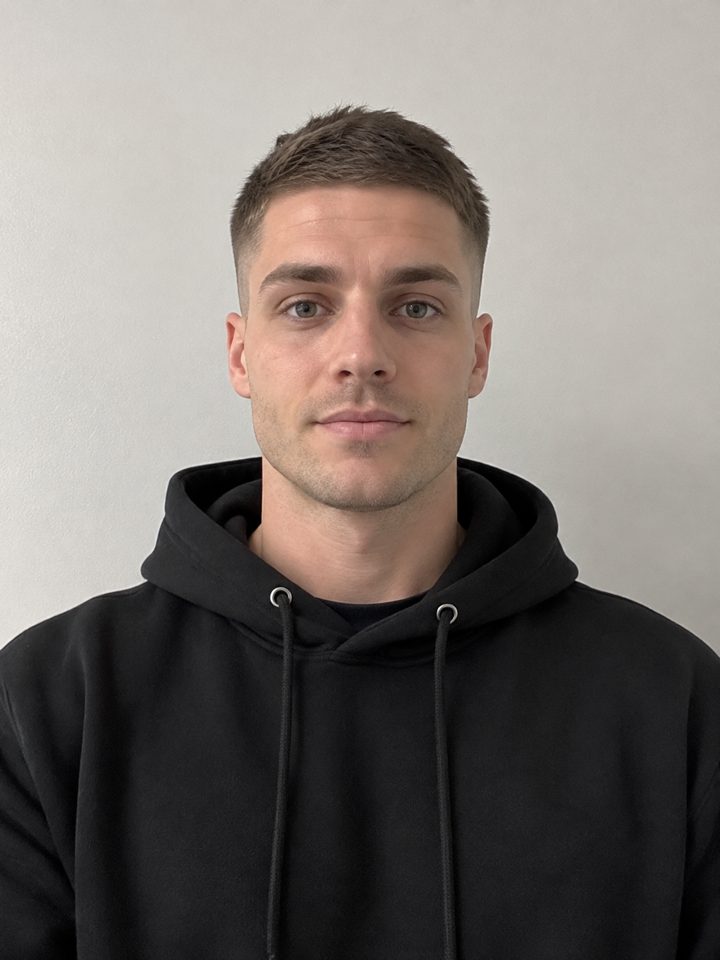
Left spot: face the camera
Eyes sharp, shoulders square to the lens.
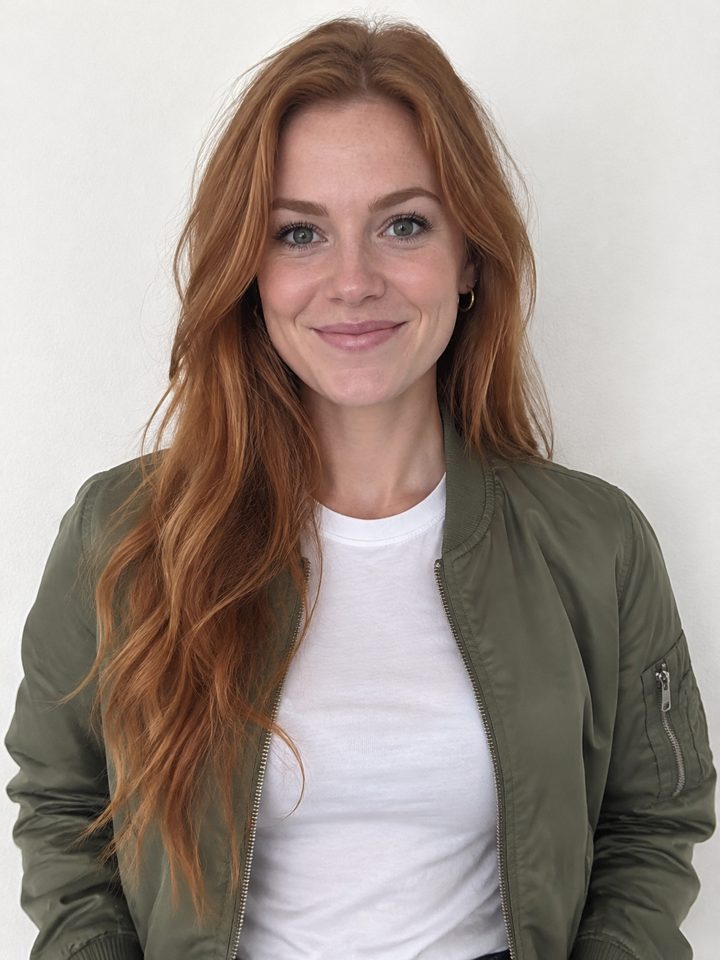
Right spot: a different look
Two people who look different read best on screen.
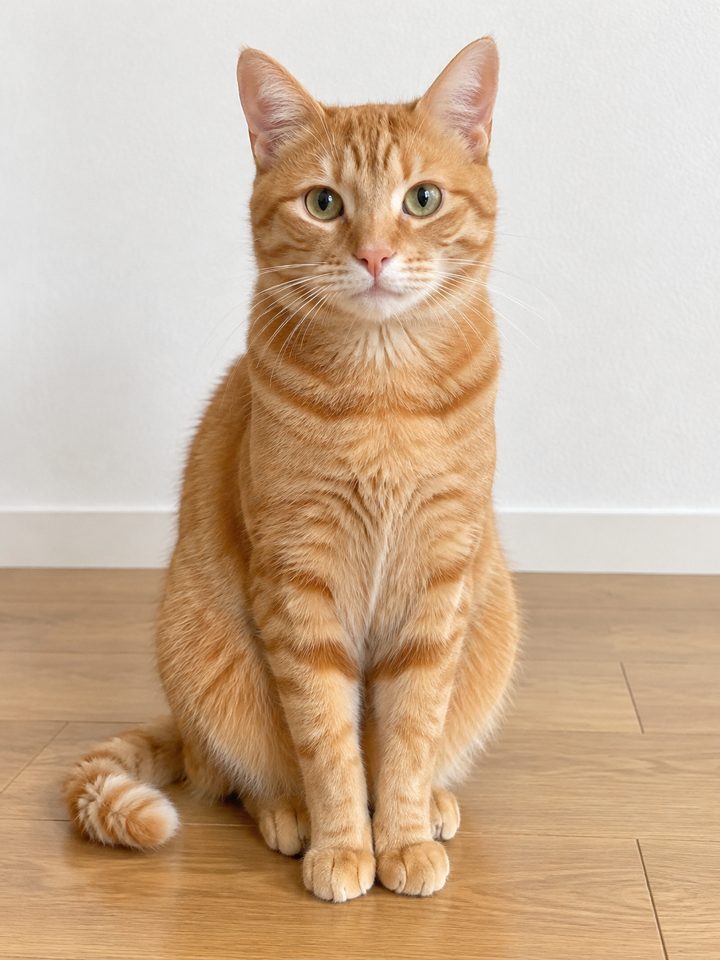
One pet, whole body
Cats work when each has its own clear photo.
Avoid
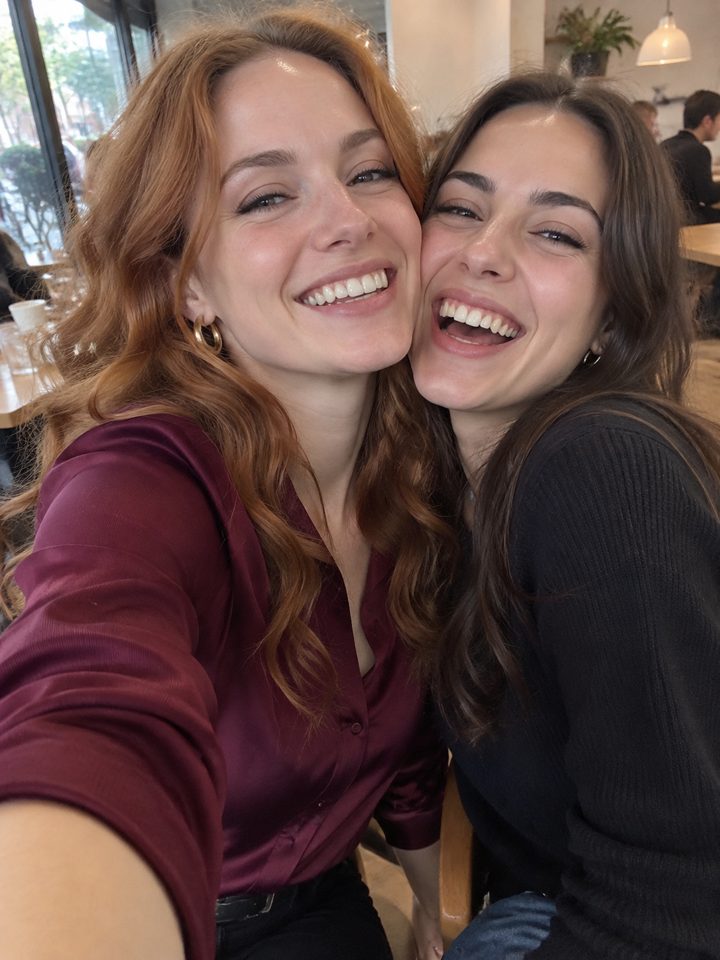
Both of you in one selfie
Crop it into two photos first.
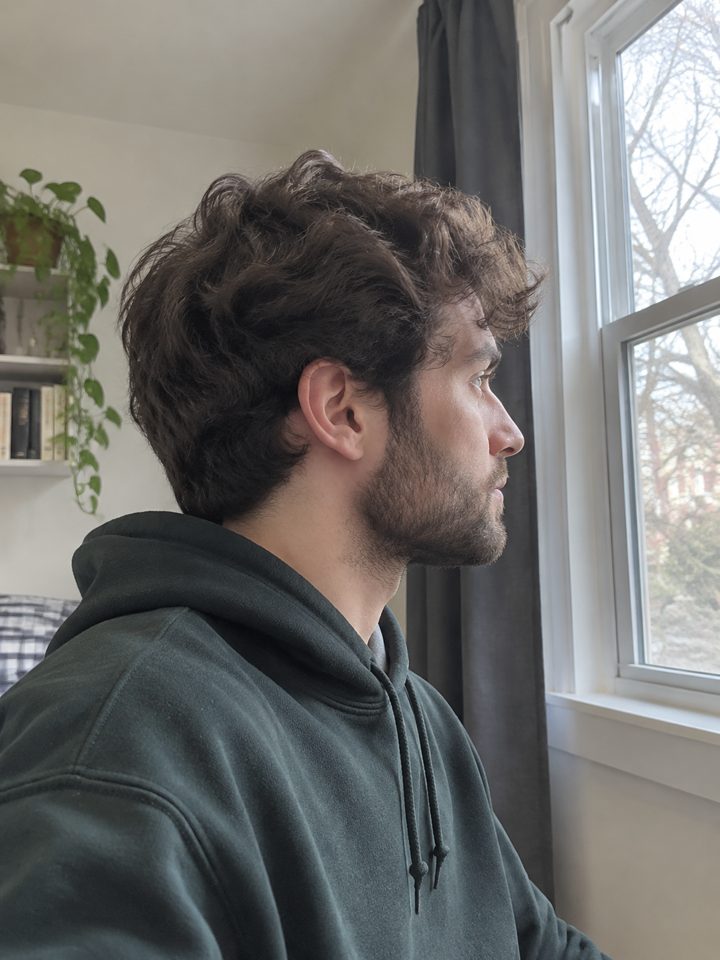
Side profile
Half a face is not enough to match.
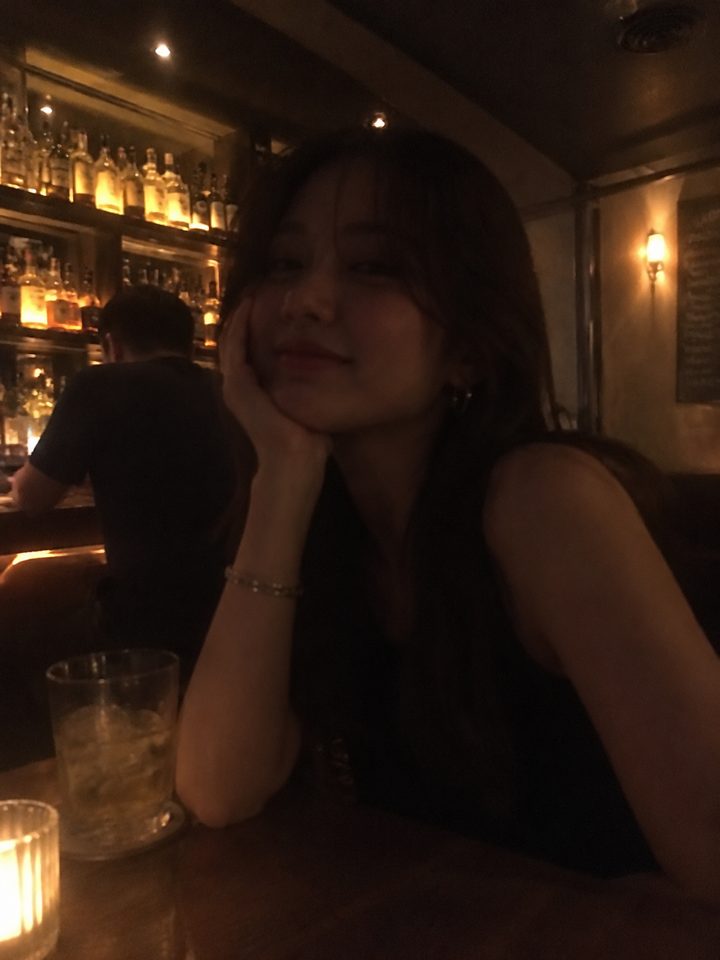
Dark bar lighting
Shadows hide the features the AI needs.
Lengths, levels and format
Every option uses the same continuous shot from the clip; you only decide how much of it you want and how sharp it should be.
4, 10 or 15 seconds
All three start at the same moment and run without a cut. Four seconds is enough to test a pair of photos; fifteen covers the full exchange people share.
Four levels, 480p to 1080p
Lite is 480p, 4 seconds and quickest, Standard is 720p, Plus is a sharper 720p, and Ultra renders in 1080p and takes longest.
Landscape 16:9 with the song
The clip keeps its wide studio framing and the original track, so the timing of every gesture matches the music you remember.
Hotel Lobby AI compared with other ways
Three routes to a version of the clip, and what each one asks of you.
| This effect | Filming it yourself | Face-swap app | |
|---|---|---|---|
| Who has to be there | Nobody, two photos are enough | Both people, in front of a camera | Nobody, one or two photos |
| Moves and gestures | Copied from the clip | You learn and perform them | The original performers' moves |
| What changes | Face, hair, skin tone and outfit | Everything, it is really you | Usually the face only |
| The orange booth | Kept from the clip | You need a set or backdrop | Kept from the clip |
| The song | Plays from the clip | Added while editing | Depends on the app |
Hotel Lobby AI questions
What is Hotel Lobby AI?
Hotel Lobby AI is the trend of putting two new people into the orange-booth performance of "Hotel Lobby" from A COLORS SHOW. This effect does it from two photos: each person takes one of the two spots, while the studio, the moves and the song stay the same as in the original clip.
Which photo goes on which side?
The first photo you add always becomes the rapper on the viewer's left, the second the one on the right, and they never swap during the clip. If one of you should be the first face people notice, put that photo first.
Does Hotel Lobby AI work with pets?
Yes, cats in particular, as in one of the first viral versions. Use one animal per photo, sharp and well lit, and pick two animals that look different so viewers can tell them apart. Very small or blurry animals in the frame are the usual cause of a weak result.
Is Hotel Lobby AI free here?
Partly. Every new account comes with 30 free credits, enough for one Hotel Lobby AI Lite version: 4 seconds at 480p with both of your photos in the booth. Longer lengths and higher levels use more credits, and the exact number shows on the button before you generate. Plans and top-ups are on the pricing page, and a render that fails or gets filtered is never charged.
Can I use one photo of both people?
No. Each spot needs its own photo with exactly one person in it. If you only have a picture of the two of you together, crop it into two separate photos first, keeping each face large, sharp and turned toward the camera.
Why is the video landscape and not vertical?
The original performance was filmed wide, with both rappers side by side, and the effect keeps that framing so neither person is cut off. TikTok, Instagram, YouTube and X all accept landscape videos, so you can post it as it is without cropping anyone out.
Can I change the song or put my own lyrics in?
No. The point of the trend is the original track and the original moves, so the clip and its music are fixed. Your photos decide who is rapping, not what they say or where they stand. For a different scene or song, each of the other effects in the collection uses its own clip and soundtrack.
Is this connected to the artists or COLORS?
No. This effect is an independent fan-made tool, not affiliated with Quavo, Takeoff or A COLORS SHOW. The original performance belongs to them; what you make here is a parody edit, so label it as AI and only post people who agreed to be in it.
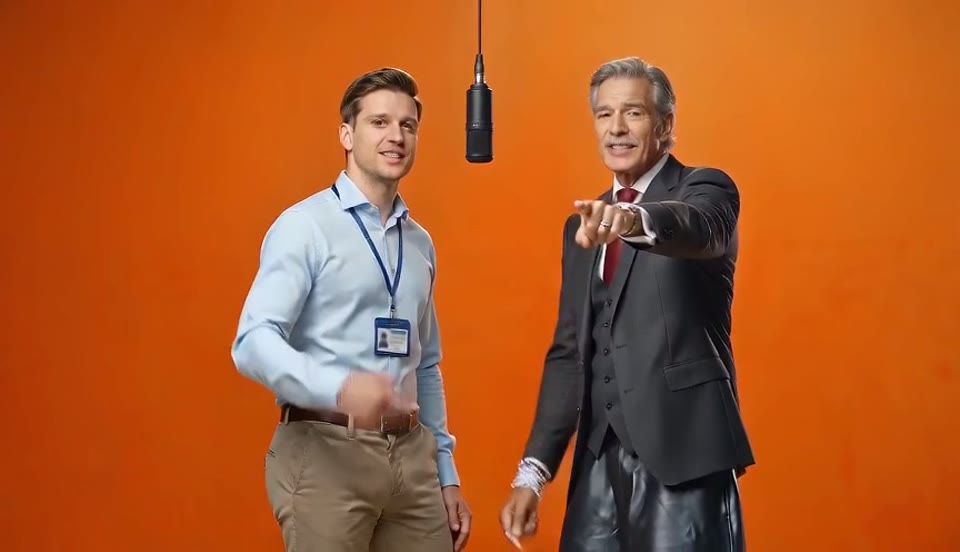
Pick your pair for the booth
Two photos, one microphone, and your version of the clip everyone already knows.