
Bad Times AI
If a render fails, the credits come back to you.
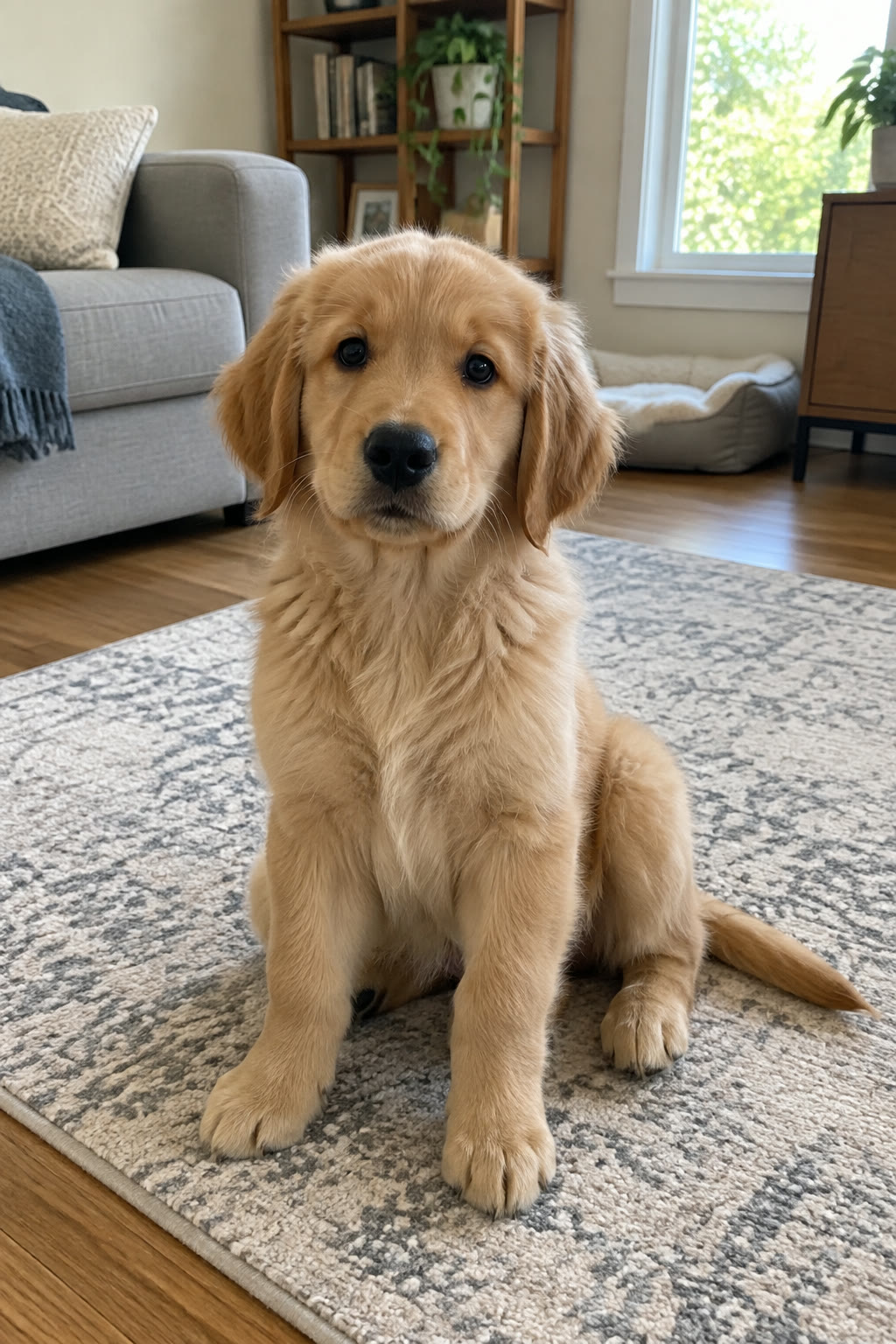
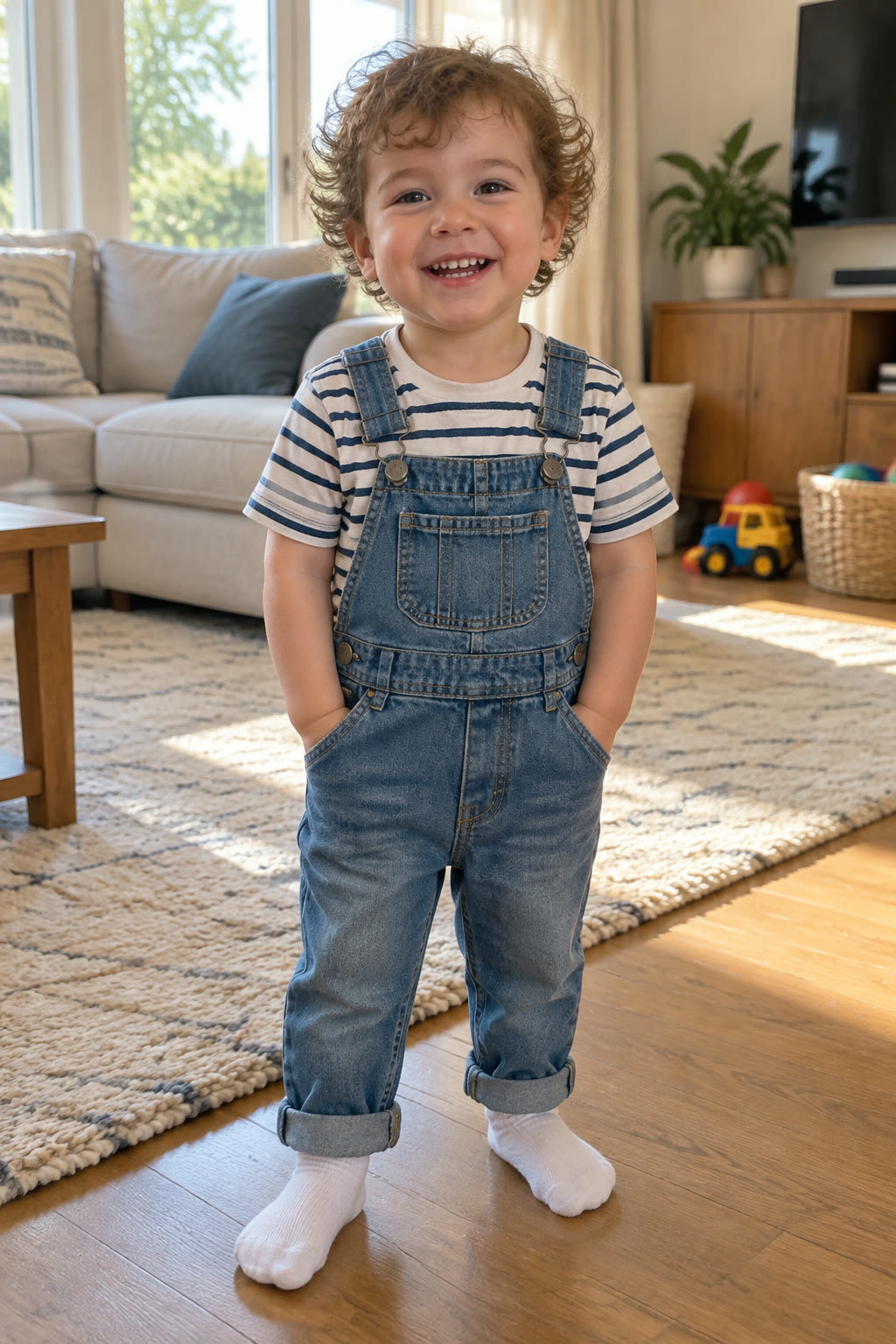
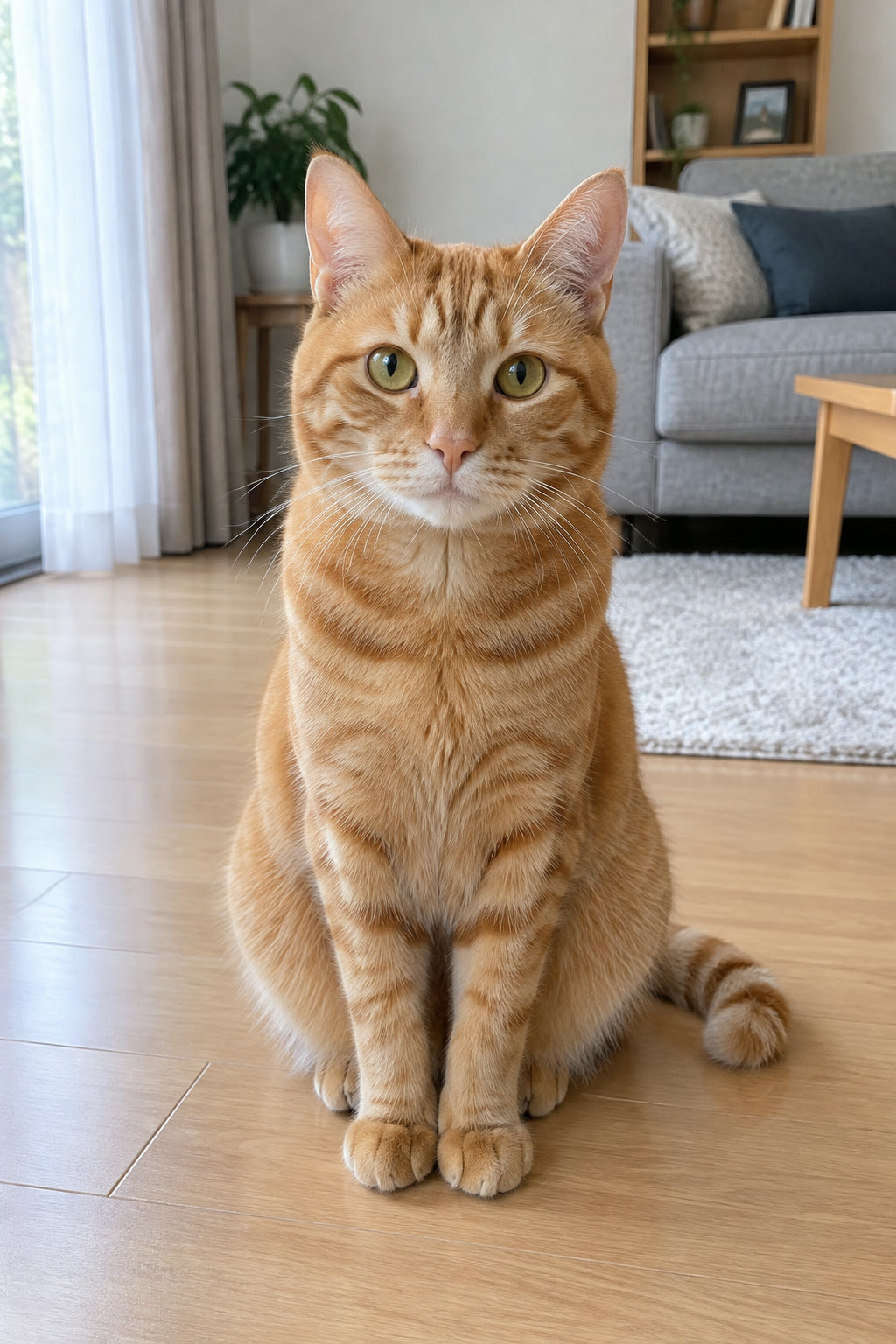
Add your photos, choose a length, then press Generate.
More AI video effects
Same idea, different trend: pick another clip and cast it with your photos.
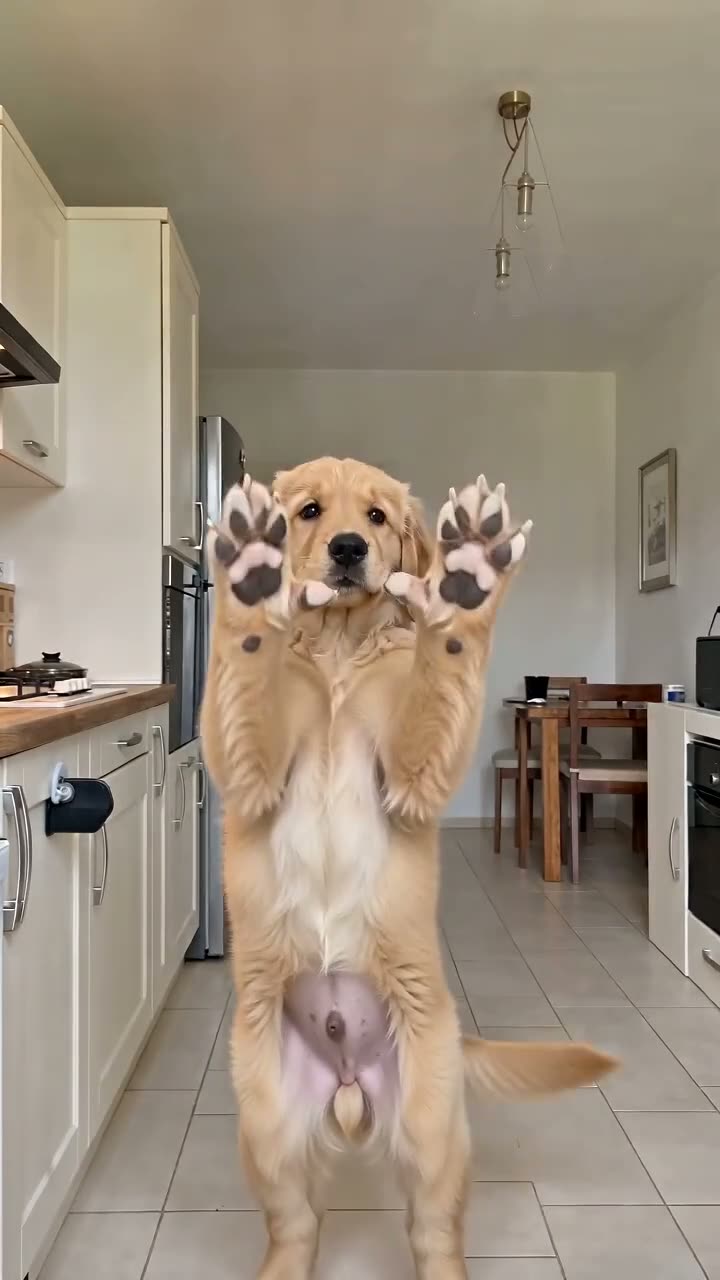
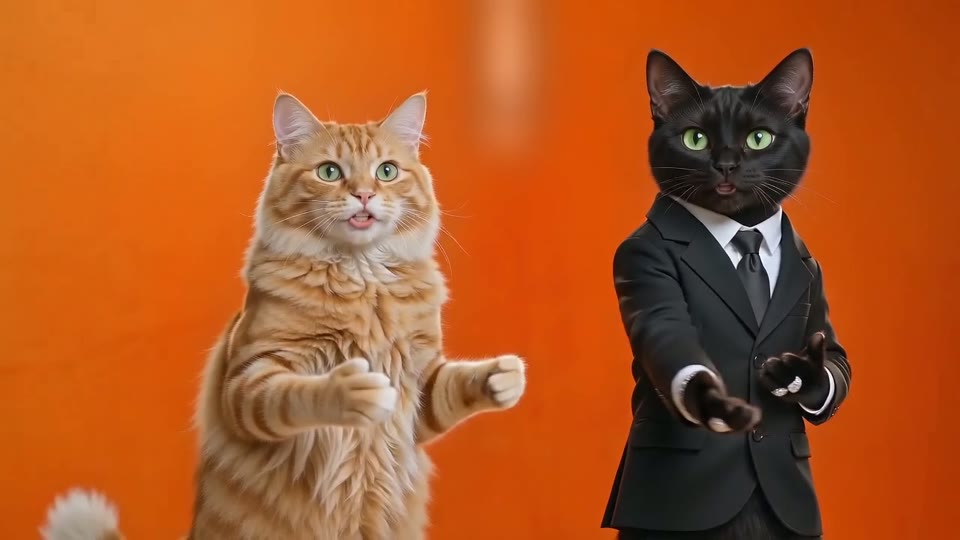
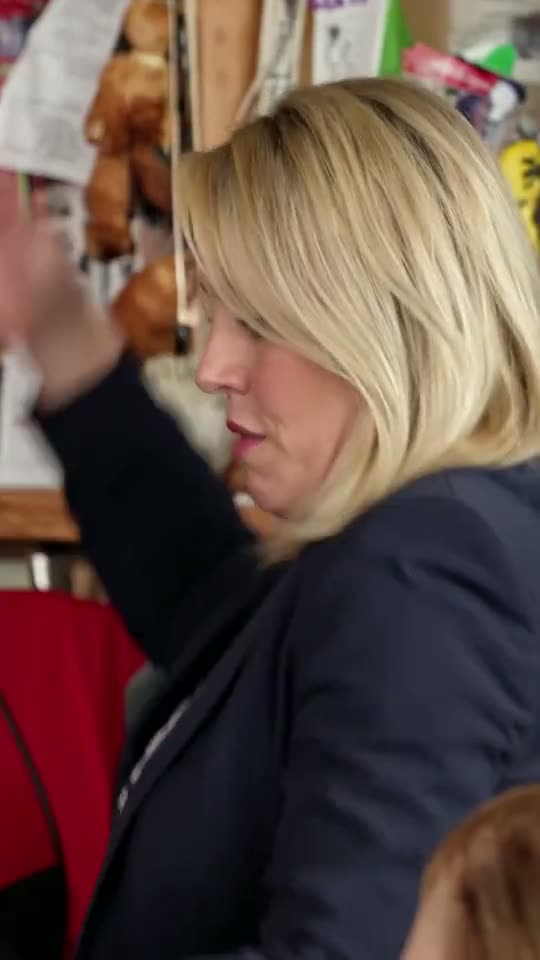
What happens in a Bad Times AI video
Every Bad Times AI video copies one routine: on 9 September 2026 French creator Bouuh Yachaka posted a TikTok of herself staging an over-the-top argument with whoever was filming, lip-syncing "Bad Times" by Imael Angel. By late September people were remaking it with huskies, tabby cats, babies and friends, and those AI versions pulled millions of views. It is part of our AI video effects collection, each effect based on a real trend.
0 to 10 seconds: the warm-up
Head in hands, then both palms up at the camera for the first "hold on". A quick turn to the side with a hand on the hip and the other on the forehead, then the second "hold on".
11 to 19 seconds: the lunge
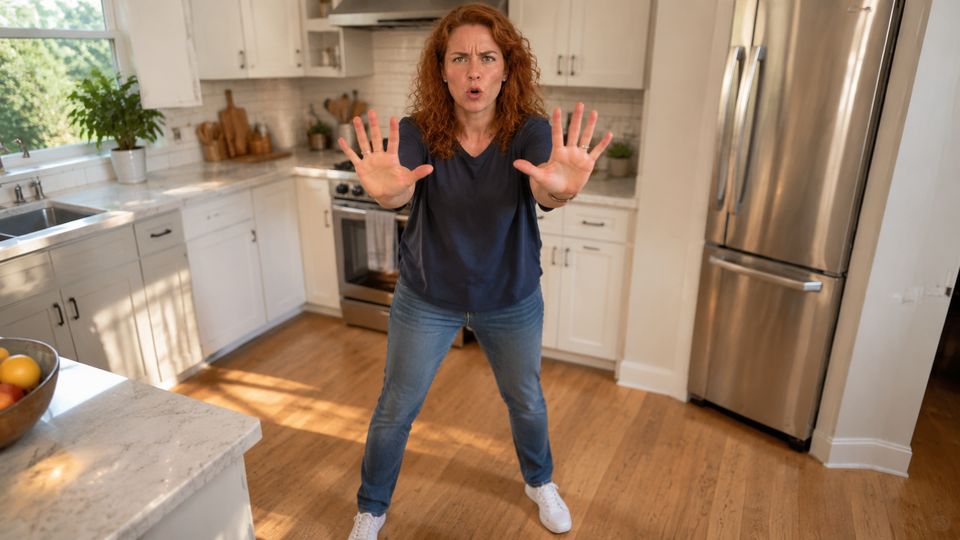
The finger jab and the charge at the lens, with a palm pressed against the camera at around 14 seconds. This is the moment most people pause and screenshot.
19 to 30 seconds: round two
A step back, a second charge, arms thrown wide, and a final close-up right at the lens. The full 30 seconds is the length most viral versions use.
What comes from where
Your photo supplies the look: breed, fur and markings, or a face and outfit. The room, camera moves and timing come from the template clip, not from your photo.
Where Bad Times AI comes from
A song from March, a kitchen video from September, then the AI remakes.
30 March 2026
The song comes out
"Bad Times" is released on the artist's own label. By October its official YouTube upload has passed 50 million views.
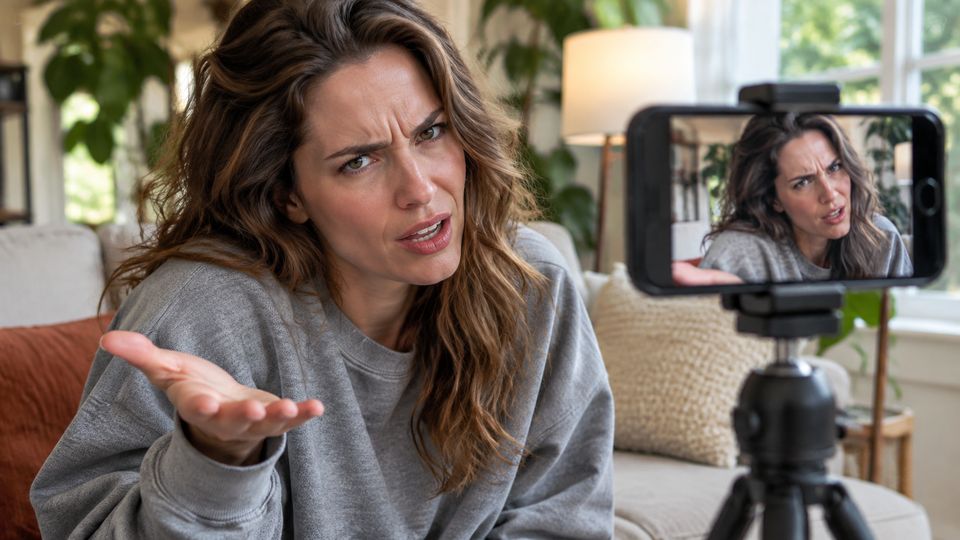
20 August 2026
A first close-up
The French creator behind the routine posts a face-only take on it, which also draws millions of views.
9 September 2026
The kitchen argument
She films the full-body version in her kitchen, captioned "Ça va barder!!", roughly "this is about to kick off". Every AI version copies this clip.
Late September 2026
Pets and babies take over
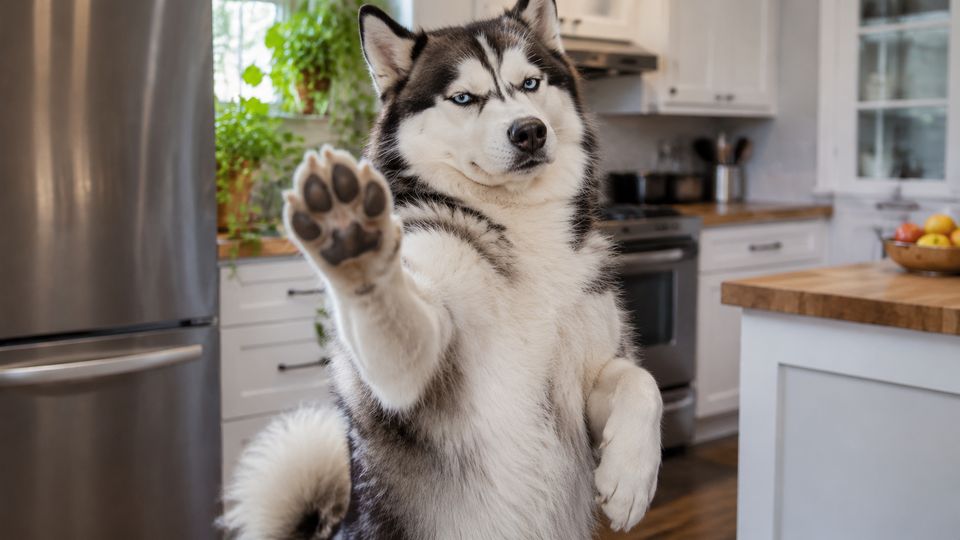
Bad Times AI remakes with huskies, German shepherds, tabby cats, babies and friends spread across TikTok, most of them about 30 seconds long.

19 October 2026
The song tops Shazam
"Bad Times" reaches No. 1 on Shazam's Global Top 200.
Pick the Bad Times AI template that fits your photo
The three templates share the routine but start from different performers, so match the template to who is in your photo. You can switch between them without uploading again.
Pet
Driven by a real dog doing the routine, so paws stay paws instead of turning into hands, the most common flaw in other versions. Works for dogs, cats and most four-legged pets.
Baby
Built for babies and toddlers: small hands on the head and tiny finger jabs at the camera. Use only your own photos of your own child.
Original
The person version, set in the original kitchen clip. Use it for yourself or for an adult friend who agreed; for a whole group of friends, the Outstanding Tiny Desk AI band seats up to five.
Make a Bad Times AI video in three steps
No app and no prompt, just one photo in any phone or desktop browser.
Choose a template and add a photo
Pick Pet, Baby or Original, then upload one clear photo of one subject. A full-body shot in good light works best; a tiny figure in a busy scene works worst.
Pick a length and a level
Choose 4, 15 or 30 seconds and a level. The button shows the credits for that exact combination before anything is charged.
Generate and share
A 4-second clip takes about two to four minutes; longer ones take more. You can close the tab, because the video waits under My Videos.
Photo tips
Photos that suit Bad Times AI
The routine is full-body, so the subject should be whole, sharp and well lit.
Works best
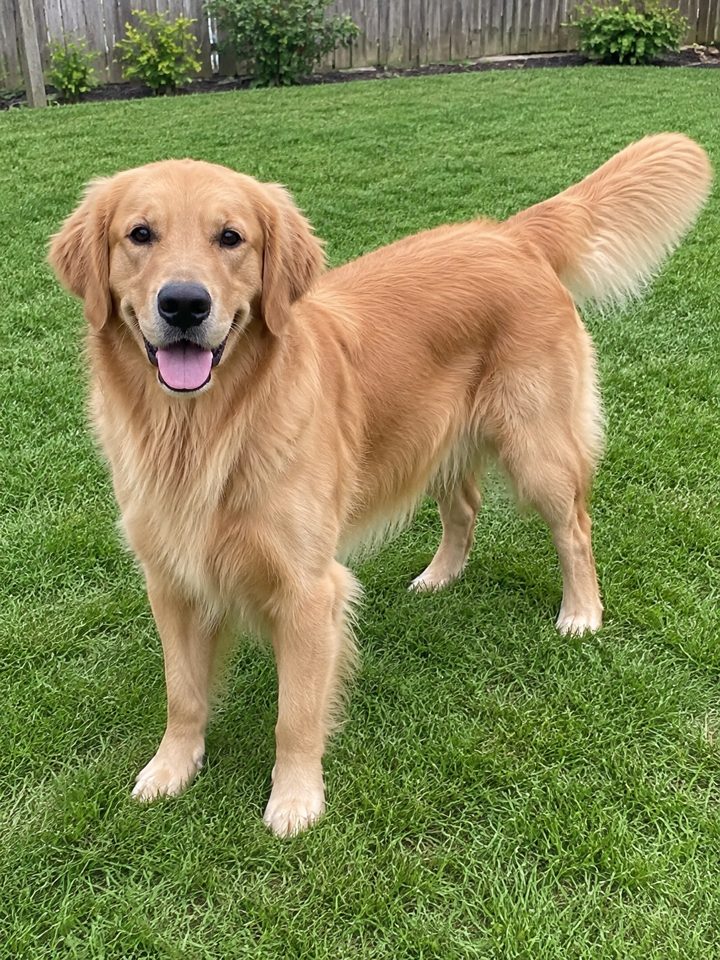
Dog, whole body
Nose to tail in frame, standing if possible.
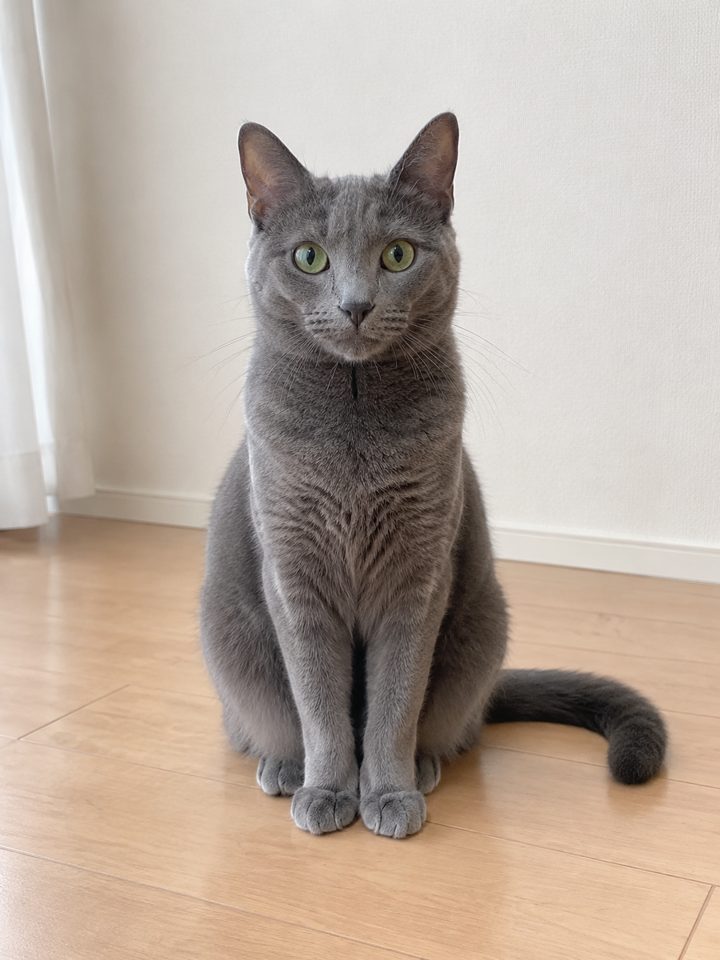
Cat, sitting up
Face and body both visible.
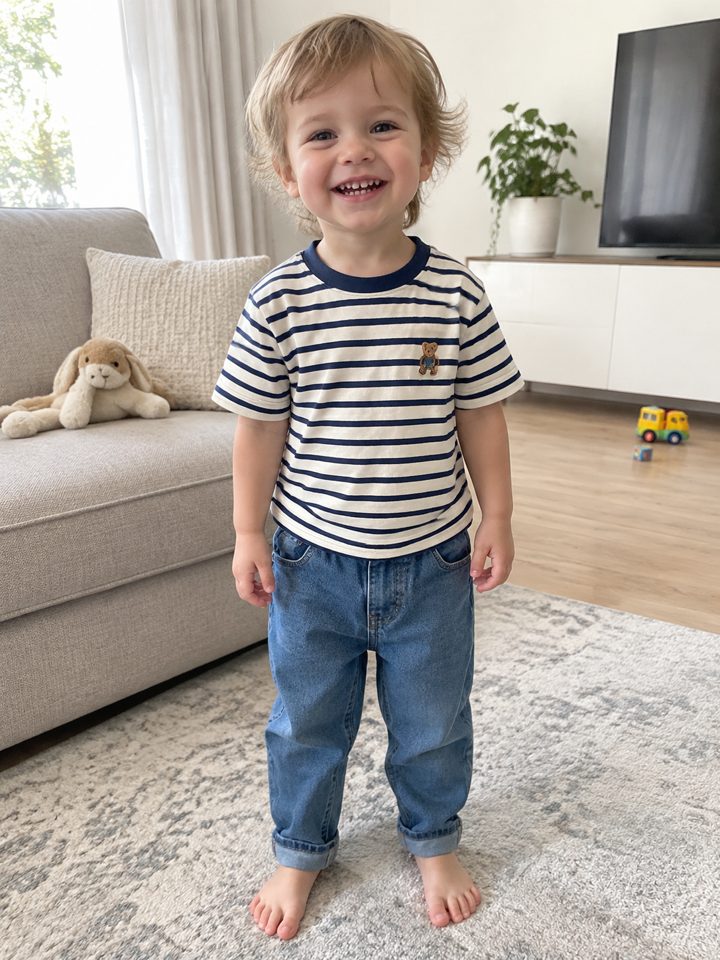
Toddler, head to toe
Your own child, standing in good light.
Avoid

Hidden under things
Blankets and furniture hide the body.
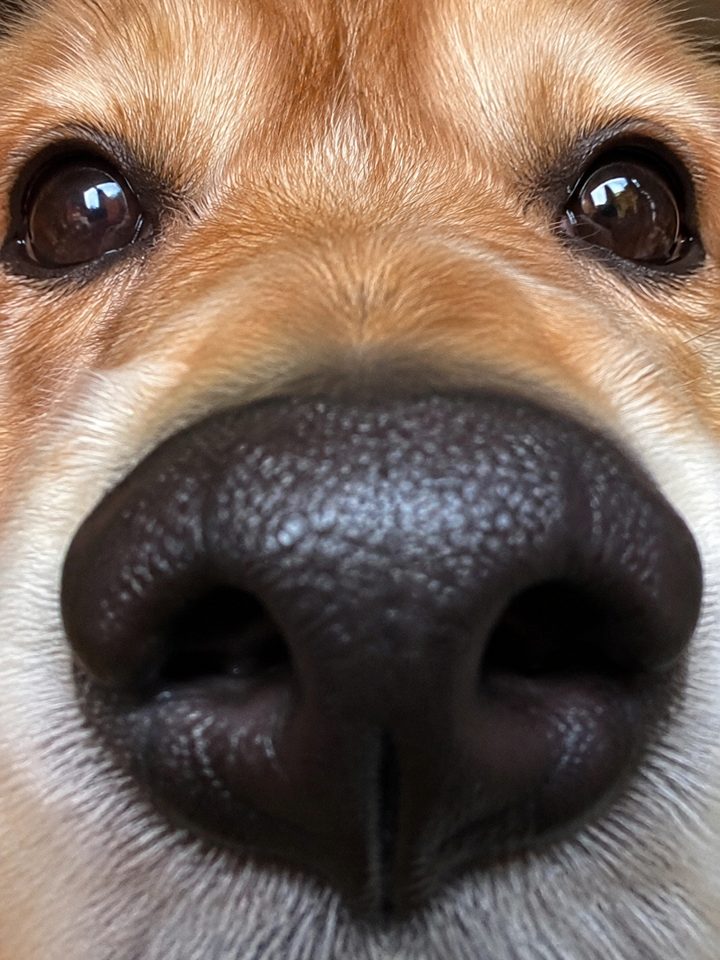
Face-only close-ups
The routine needs a body, not just a nose.
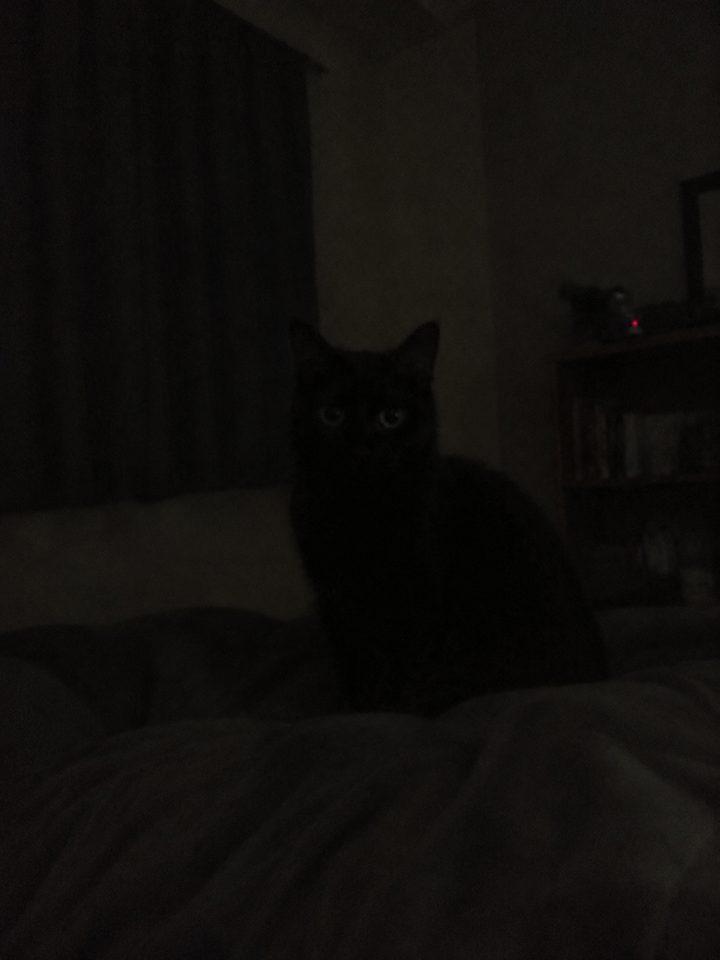
Too dark
A black cat in a dark room disappears.
Bad Times AI lengths and levels
Longer clips cover more of the routine. Lite is for quick tests, Standard and HD for most videos, and Ultra for the full-length version.
4 seconds
The opening only: the head grab and the first "hold on". Lite only (480p): the cheapest and fastest way to check how a photo comes out.
15 seconds
Through the turn and the first lunge at the lens. Available as Standard, HD or Ultra, all in 720p; HD and Ultra use stronger rendering for more detail.
30 seconds
The full first half of the routine, round two included, as most viral versions run. Only the Ultra level can render the 30-second version.
Pick the right Bad Times AI template
The three templates edit different clips, so match the template to who is in your photo.
| Pet | Baby | Original | |
|---|---|---|---|
| Your photo | One dog, cat or other four-legged pet | Your own baby or toddler | One adult, you or a friend who agreed |
| Clip it edits | A dog doing the routine | A toddler doing the routine | The original kitchen video |
| Framing that works | Full body, standing or sitting | Full body, well lit | Full body or waist up |
| Avoid | Several pets in one photo | Photos of other people's children | Sunglasses and side profiles |
Questions before you make one
What is Bad Times AI?
Bad Times AI is what people call the AI remakes of a viral TikTok argument set to the song "Bad Times". This effect makes one from a single photo: a pet, a baby or a person repeats the routine move for move, in the original setting, with the song playing underneath.
Will my dog grow human hands?
That is the classic failure when a person's performance drives a pet, because the open palms turn into fingers. The Pet template is driven by a dog's own performance, so paws stay paws in our tests. It is not perfect every time; a full-body, well-lit photo gives it the best chance.
Does Bad Times AI work for cats?
Yes. Use the Pet template with a clear, full-body photo of your cat. Breed, fur and markings come from the photo, so tabbies and black cats both come out recognisable. Very fluffy or partly hidden cats are harder; pick a photo where the whole body and face are visible.
Can I use a photo of my baby?
Yes, with the Baby template, as long as it is your own child and your own photo. Choose one where the whole baby or toddler is visible and well lit. Never upload photos of other people's children. A 4-second Lite clip is a cheap way to check how a photo comes out before you make a longer one.
How much does a video cost?
It depends on the length and level you choose, and the exact number of credits appears on the button before you generate. Signing up gives you 30 free credits, enough for one 4-second Lite clip with any of the three templates. Plans and top-ups are on the pricing page, and a failed or filtered render is never charged.
Can I set it in my own room?
No. In Bad Times AI the room, the camera moves and the timing come from the template clip, which is what makes the routine work on the beat. Your photo changes who is performing, not where it happens, so there is no need to remove the background from your photo. For a scene of your own, the AI video generator on the home page makes new clips from text or a photo.
Where can I post my Bad Times AI video?
Anywhere vertical video works: it is a 9:16 MP4 with the song, sized for TikTok, Reels and Shorts. Switch on the platform's AI-generated label when you post, and only share videos of people who are happy to appear in them.
Is this connected to the song or the creator?
No. This effect is an independent fan-made tool, not affiliated with Imael Angel, Bouuh Yachaka or TikTok. The song and the original routine belong to them; what you make here is a parody remake for fun. Label it as AI when you post, and keep the joke on the routine rather than on any real person.
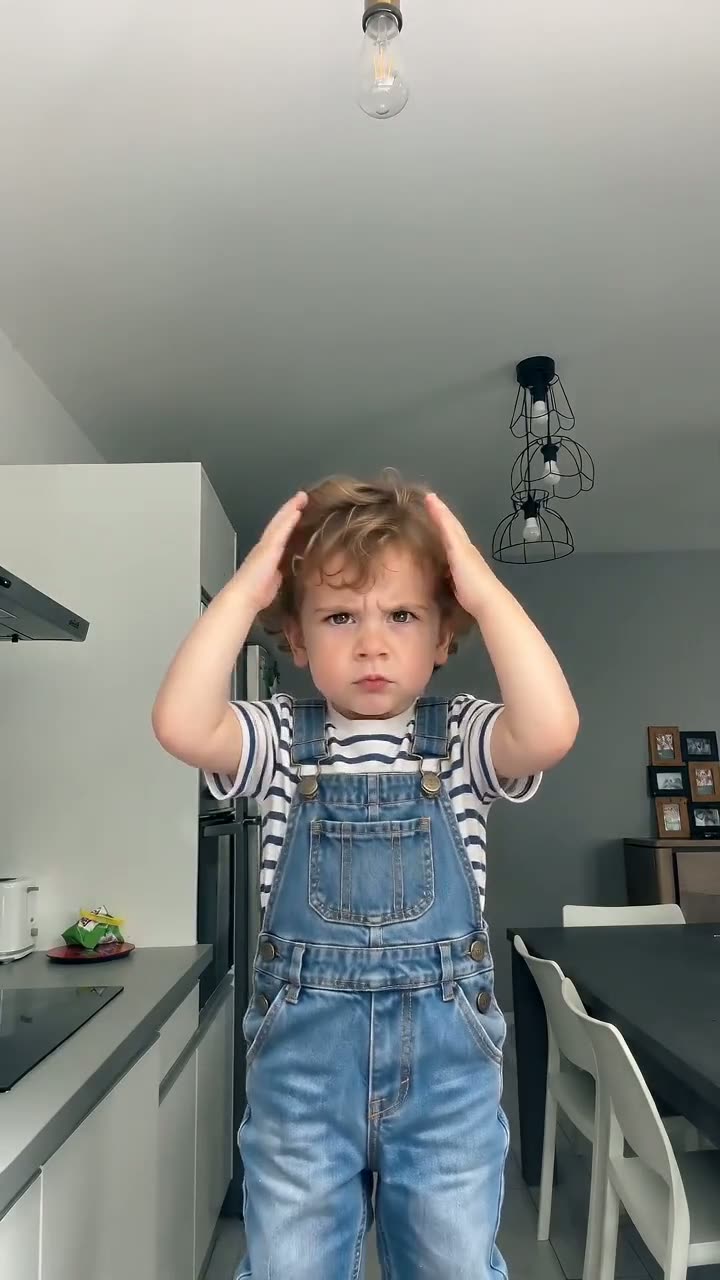
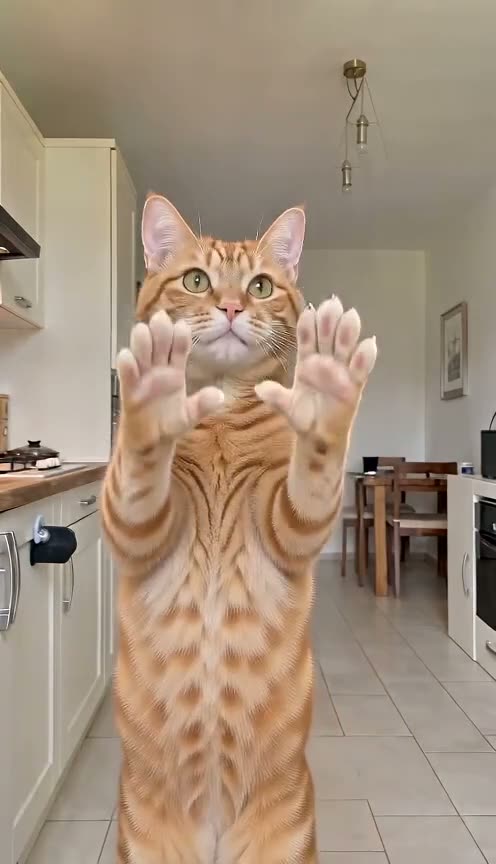
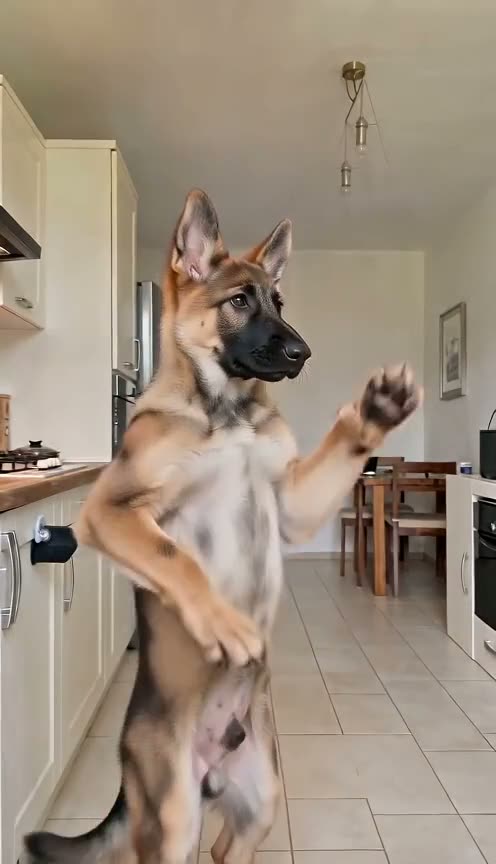
Let your pet start the argument
One photo, one template, and the routine everyone recognises, with your dog, cat, baby or you in the lead.