
GPT Image 2.5 Image Generator
Click or drag image
🎁New users get 30 free credits
Your AI creations appear here
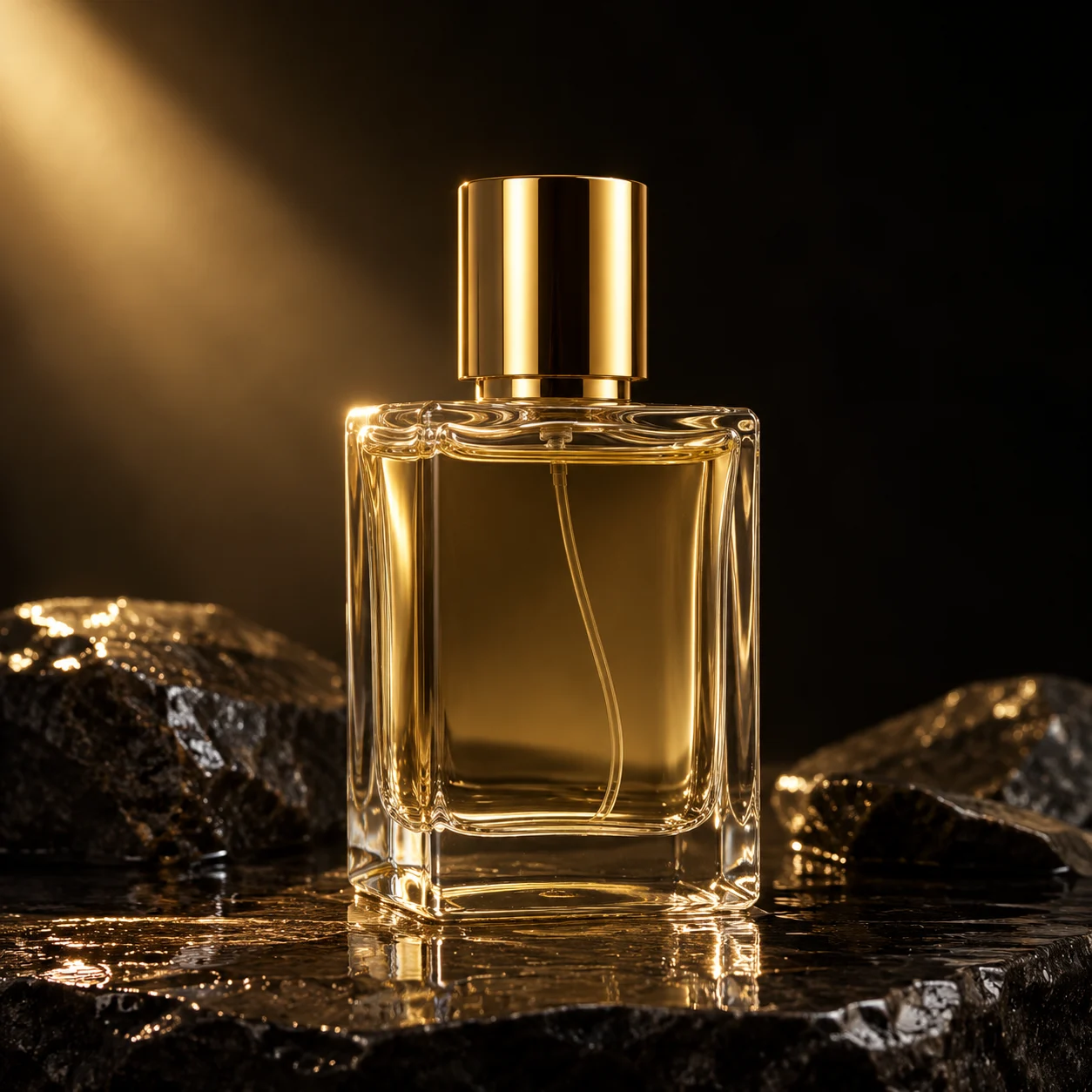
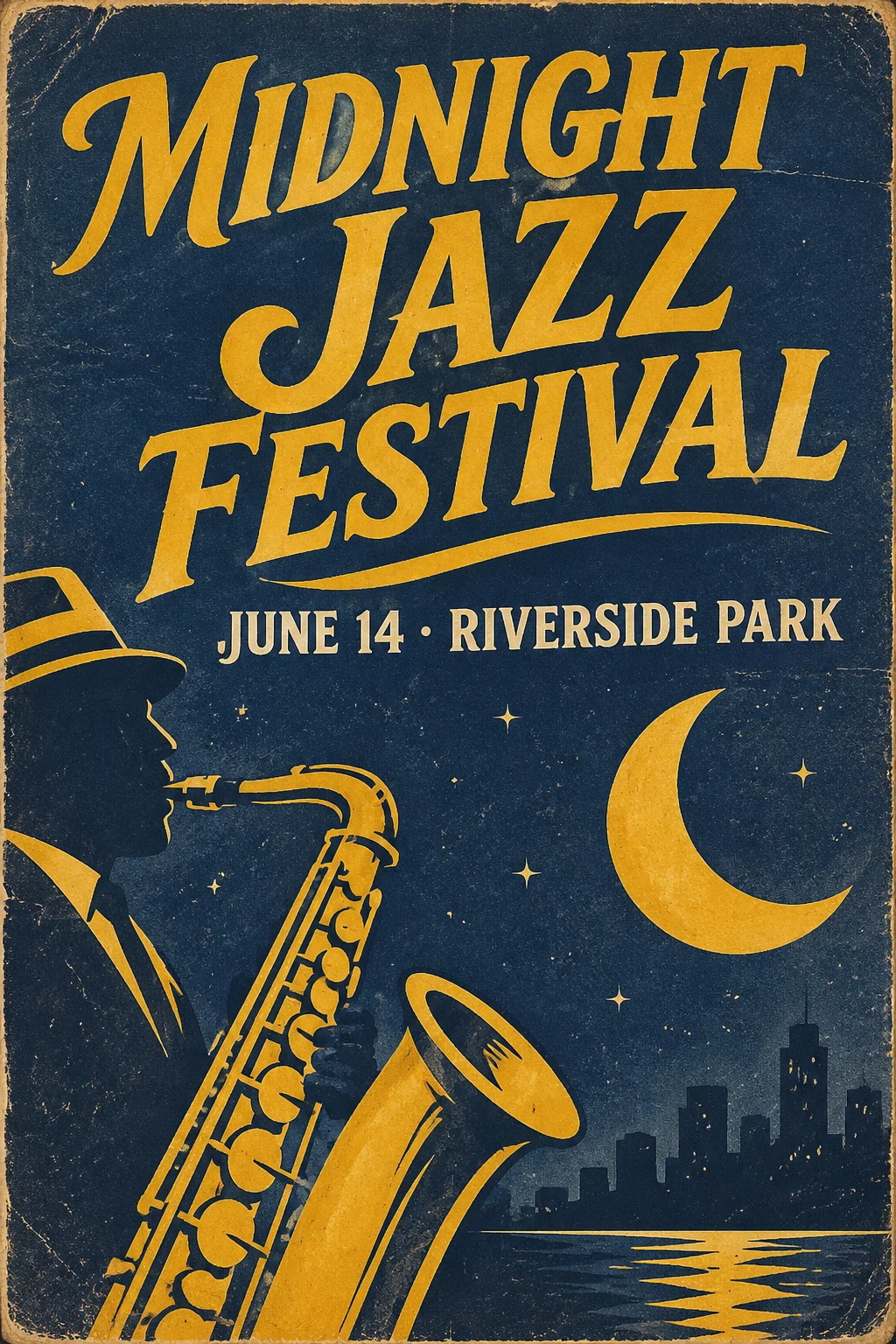
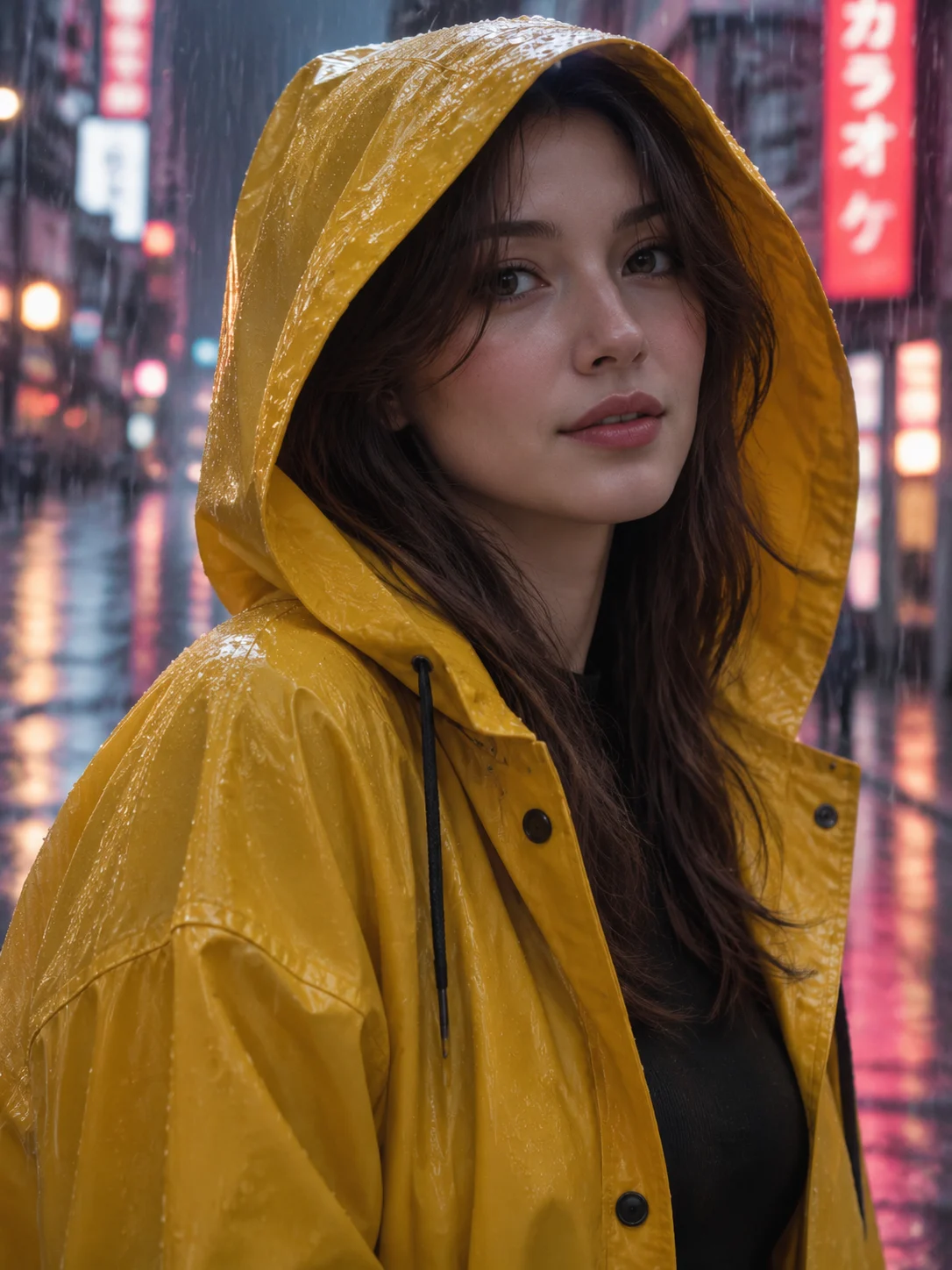
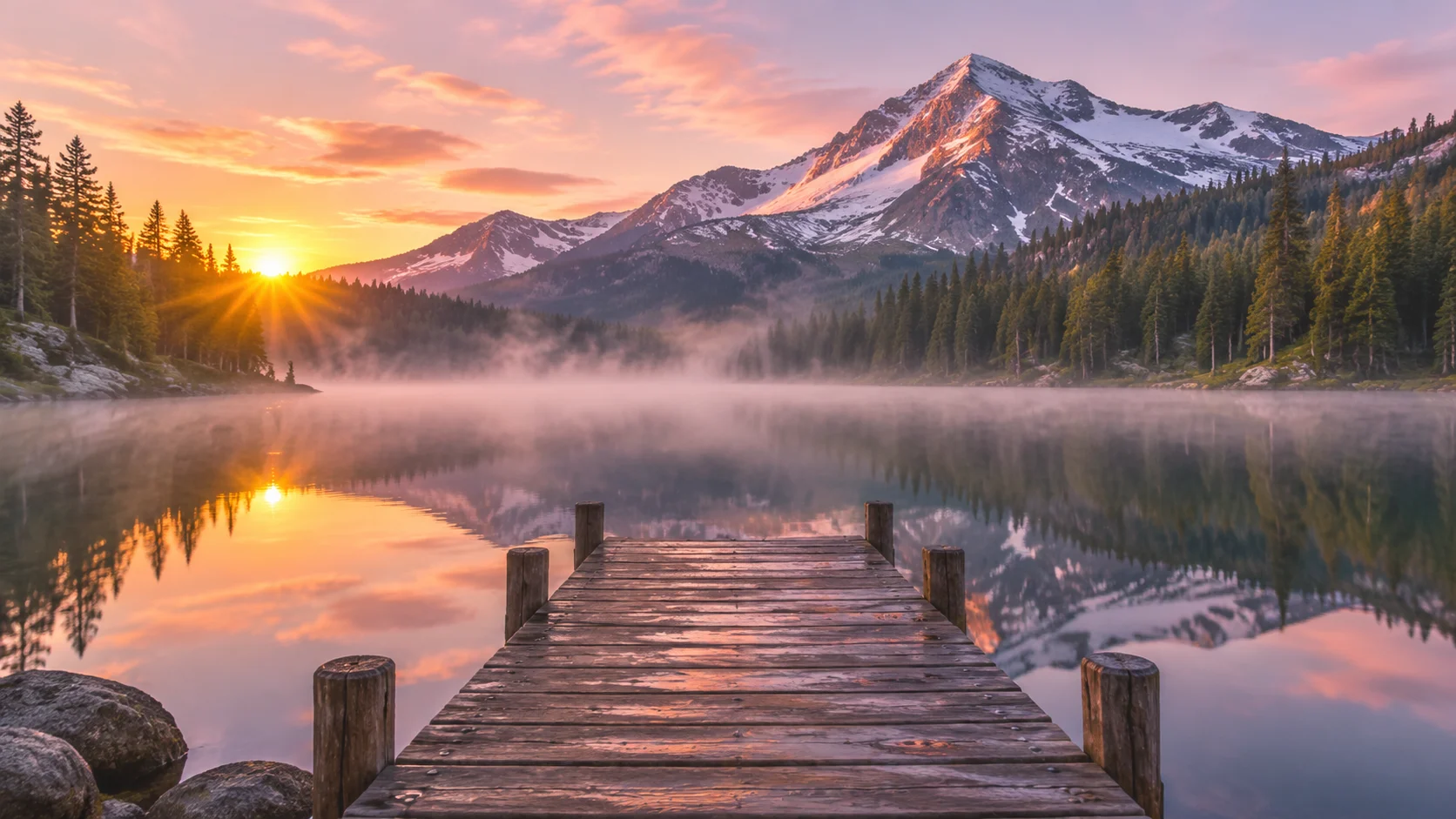
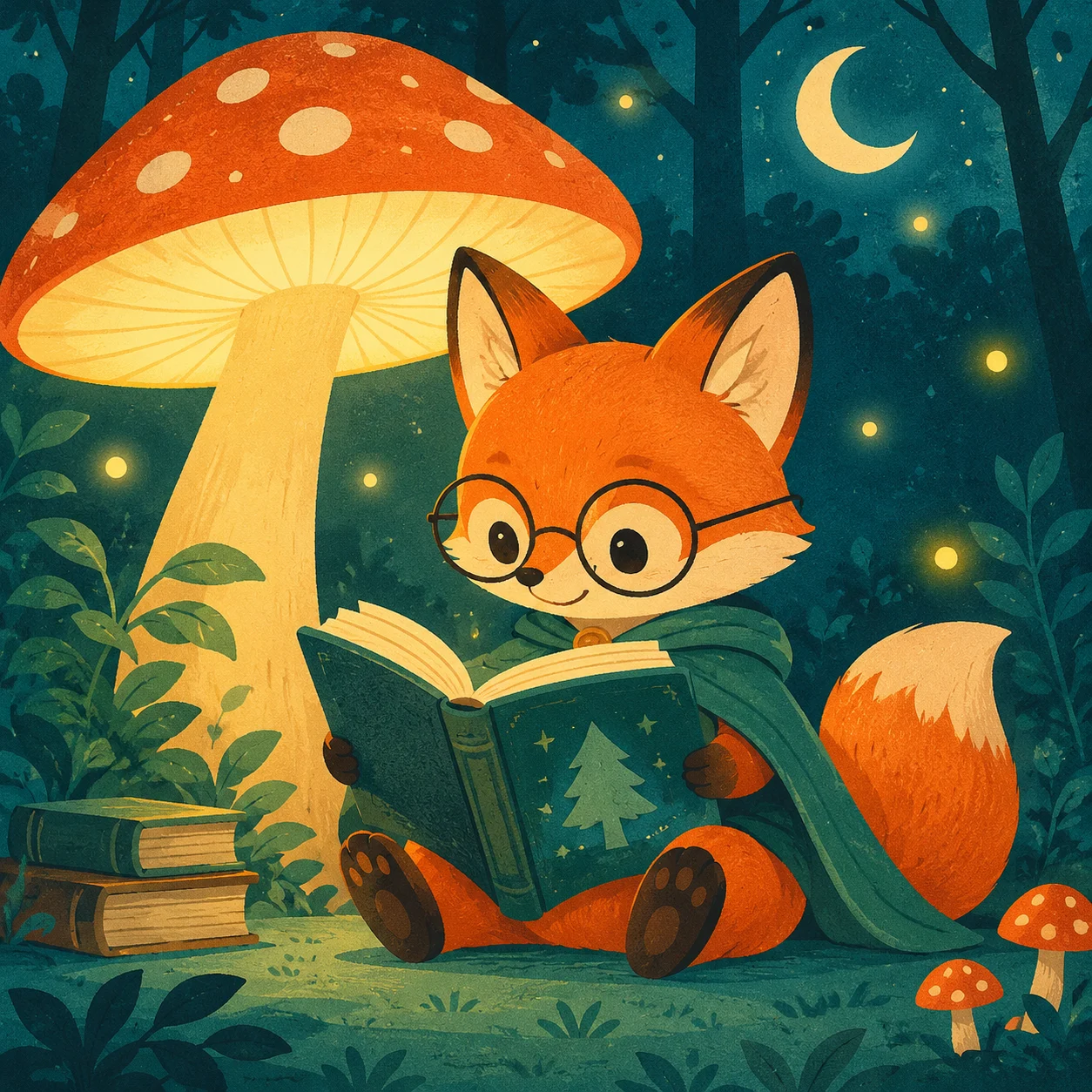
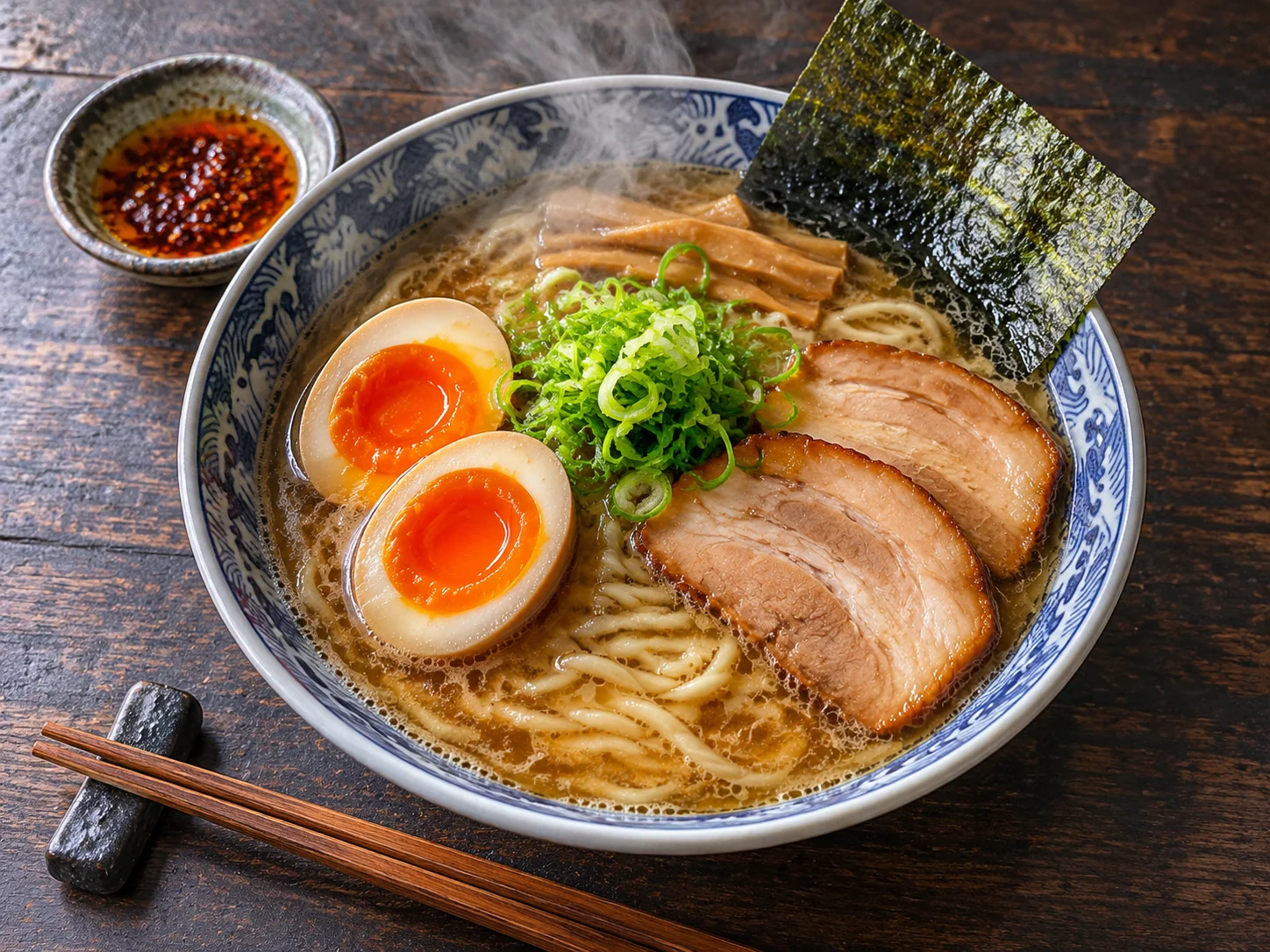
What GPT Image 2.5 can make
Eight pictures from the generator above, each from a single prompt at 1K. Use them as a starting point for your own.
What is new in GPT Image 2.5
GPT Image 2.5 is OpenAI's image model released on 8 September 2026, the one behind ChatGPT Images 2.5. OpenAI describes it as sharper in detail, more precise when editing and up to 50% faster than the version before it. Four changes matter most when you use it here.
Edits only what you ask for
Ask it to swap a background, change a jacket or replace one line of text, and the rest of the picture stays put. The earlier model tended to redraw faces and layouts along the way.
Keeps people and products recognisable
When you work from a photo, the subject carries through: the same face, the same pet, the same bottle, in a new setting or style. That makes it usable for product shots and portraits, and a finished picture can become the first frame of a clip in the AI video generator.
More natural light and texture
Skin, fabric, glass and food look less airbrushed, and lighting follows the scene you describe. Small text inside a picture, such as labels and signs, comes out readable more often.
Faster to try again
A 1K picture usually arrives in about half a minute, so you can run a prompt, read the result and adjust the wording several times in the time one image used to take.
What people make with it
The model is strongest where older image tools fell down: real subjects, readable text and small, exact changes. Three kinds of work show it best.
Product and brand pictures
Upload a plain photo of a product and ask for a studio scene, a lifestyle setting or a seasonal background. The item keeps its shape, colour and label while everything around it changes.
Posters, covers and social posts
Describe the layout, the headline and the mood, and you get a finished design with the words spelled as written. Pick 9:16 for stories, 1:1 for feeds or 16:9 for thumbnails and slides.
Photo edits and restyles
Change the weather, the outfit or the art style of a photo you already have, or combine several reference photos into one scene. To make the result move, use it as the starting image in Seedance 2.5.
How to use GPT Image 2.5 here
It works in any phone or desktop browser with nothing to install. You need an account; a new one comes with 30 free credits, enough for a few 1K pictures.
Pick text or image
Text to image starts from a prompt alone. Image to image takes up to 16 reference photos in PNG, JPG or WebP and changes them the way your prompt says.
Write the prompt and set the picture
Say what is in the picture, the style, the light and any words that must appear. Then choose one of five shapes and a resolution; the button shows the credits before you start.
Generate and download
Press Generate and wait for the result on the right. Download it, or change a few words and run it again. Every picture you make is also kept under My Videos in your account.
Flare, Sunburst and the three settings
OpenAI offers GPT Image 2.5 in two versions. Flare is the default: quicker, and already better than the previous model. Sunburst takes longer and gives tighter control over fine detail. You do not have to choose between them here, because the resolution you pick decides it.
Resolution
1K is open to everyone and uses the fast standard version, which suits drafts and social posts. 2K and 4K are for paid accounts and run on Sunburst, for prints, large banners and pictures you will crop.
Shape
Five aspect ratios: 1:1, 16:9, 9:16, 4:3 and 3:4. Choose the shape of the place the picture will go before you generate, since cropping afterwards throws detail away.
Reference photos
Up to 16 in image to image. One clear photo is enough for an edit; add more when you want several people or objects in the same scene, and name each one in the prompt.
GPT Image 2.5 next to the other image models here
The same generator also holds three Google models for paid accounts. This is how they differ on this site.
| GPT Image 2.5 | Nano Banana 2 | Nano Banana Pro | |
|---|---|---|---|
| Made by | OpenAI | ||
| Resolutions | 1K, 2K, 4K | 1K, 2K, 4K | 1K, 2K, 4K |
| Reference photos | Up to 16 | Up to 14 | Up to 8 |
| Open to free accounts | Yes, at 1K | No | No |
| Good for | Exact edits, text in pictures | Quick everyday pictures | Detailed, polished scenes |
Questions people ask
What is GPT Image 2.5?
It is OpenAI's image generation and editing model, released on 8 September 2026 as the engine of ChatGPT Images 2.5. It makes pictures from text and edits photos you give it, with sharper detail and more reliable edits than GPT Image 2. This page runs it through an API so you can use it without a ChatGPT subscription.
Is GPT Image 2.5 free to use here?
You can try it without paying. A new account gets 30 free credits, and 1K pictures are open to free accounts, so that covers a few images. After that each picture uses credits, and 2K, 4K and the Google models need a paid account. Credit packs and plans are on the pricing page.
What is the difference between Flare and Sunburst?
They are the two versions OpenAI released for developers. Flare is the default, built for speed and everyday use. Sunburst is slower and aimed at detailed creative work that needs tighter control across edits. On this page 1K pictures use the fast standard version and 2K and 4K pictures use Sunburst.
How do I edit a photo with it?
Switch to image to image, upload the photo and describe the change in plain words, for example "replace the background with a beach at sunset, keep the person exactly as she is". Say what must stay the same as well as what should change. Use photos you have the right to use.
How long does a picture take?
A 1K picture usually takes around half a minute. 2K and 4K take longer because they run on the more precise version. You can leave the page while it works; the finished picture is saved to your account and a failed attempt is not charged.
Why did my picture fail?
Most failures are the model's own safety checks: it refuses some requests, including realistic pictures of real people it does not recognise as yours to use, and some brand or celebrity content. Reword the prompt or use a different photo. Credits are only taken when a picture is delivered.
Does this page offer the GPT Image 2.5 API?
No. This is a web tool for making and editing pictures, with no developer access. If you need the API, OpenAI lists Flare and Sunburst in its own developer platform. Features of the ChatGPT app such as Sketch, templates and comments are also not part of this page.
Can I use the pictures commercially?
You can download and use what you make, including for work. You are responsible for what you upload and publish: do not use photos of people who have not agreed, trademarks you do not own or copyrighted characters. This site is an independent service and is not affiliated with OpenAI or Google.
Make your first GPT Image 2.5 picture
Write one sentence, press Generate and see what comes back. The first few 1K pictures are covered by the free credits of a new account.