
AI Video Models
These AI video models all run in one generator on this site, from cheap drafts to 30-second scenes with sound. Open a model below, or scroll down to compare clip length, resolution and cost side by side.
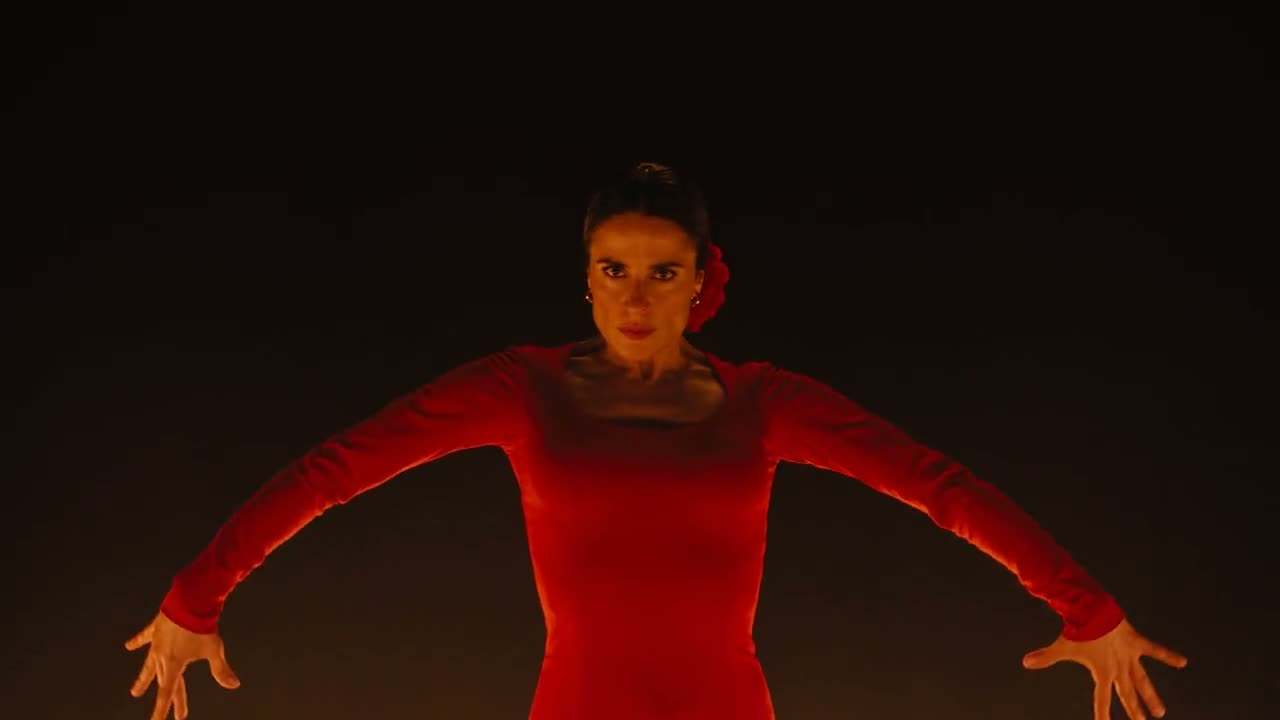
Seedance 2.5
ByteDance's newest model: clips of up to 30 seconds with sound, up to 1080p.
Seedance 2.0, Fast and Mini
The three 2.0 models on the home page generator, for clips of up to 15 seconds.
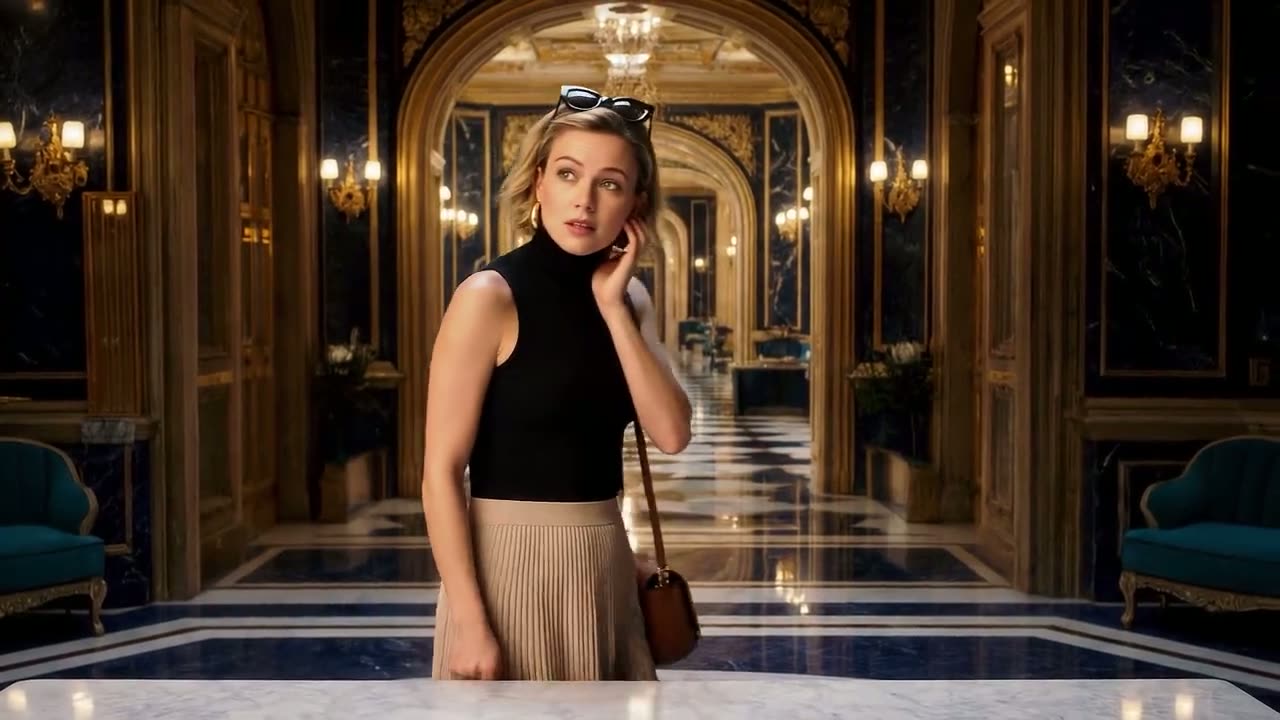
Veo 3.1
Google's video model in Lite, Fast and Quality modes, for 8-second clips.
How AI video models differ
AI video models differ in four ways that decide what you get for your credits: how long a clip can be, how sharp it is, whether sound comes with it and how much each second costs. Seedance 2.5 leads on length and resolution, while the 2.0 models are the cheap way to test an idea.
Clip length
Seedance 2.5 renders anything from 4 to 30 seconds in one go. Seedance 2.0, 2.0 Fast and 2.0 Mini stop at 15 seconds, and Veo 3.1 makes 8-second clips.
Resolution
Seedance 2.5 goes up to 1080p here, and the 2.0 models offer 480p and 720p. A higher resolution costs more credits per second, so keep 1080p for the version you will post.
Sound
Seedance 2.5, 2.0 and 2.0 Fast generate audio together with the picture, so voices, music and effects arrive with the clip. Name the sounds you want and the model adds them.
Cost
Seedance models are charged per second and by resolution; each Veo 3.1 mode costs a fixed number of credits per clip. The Generate button always shows the total before you start.
What you can make with AI video models
The first three clips are ByteDance's Seedance 2.5 demos, each written from a prompt, and show what AI video models can do today. The last three are our ready-made effects: you add photos and the trend clip does the rest.
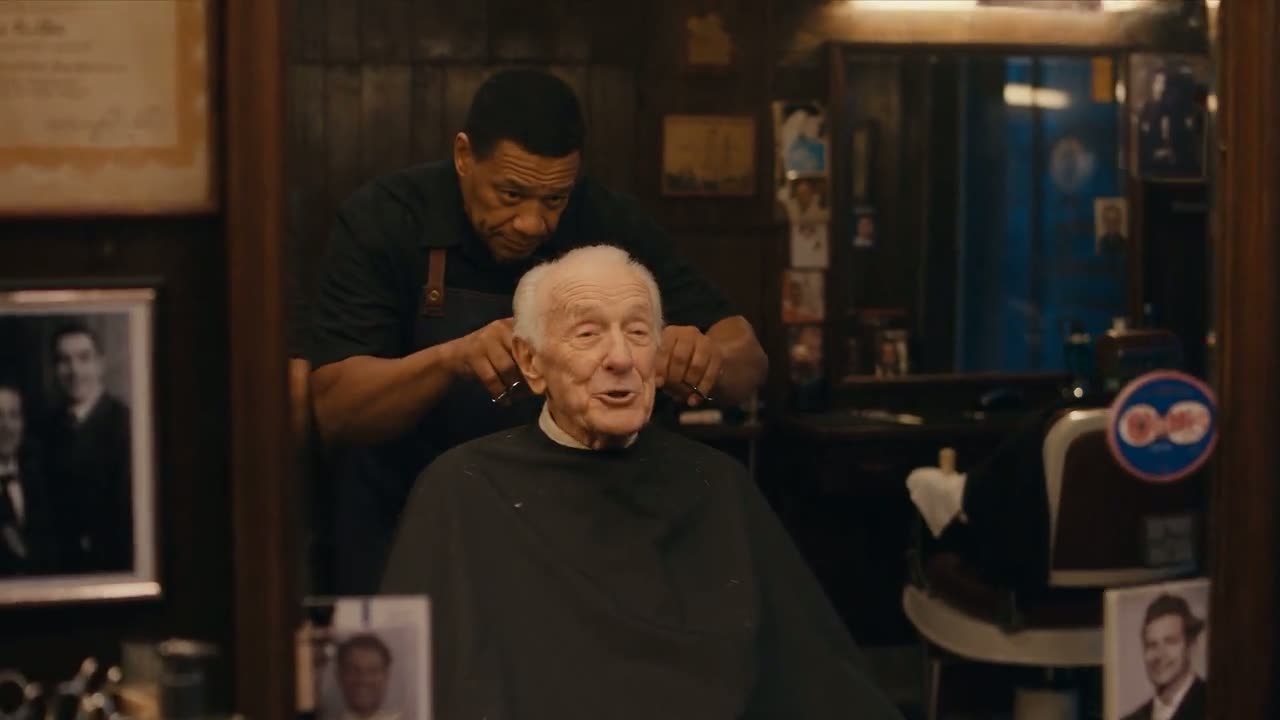
Scenes with dialogue
A barber, his customer and the hum of a small shop: one prompt can carry a whole quiet scene with voices.
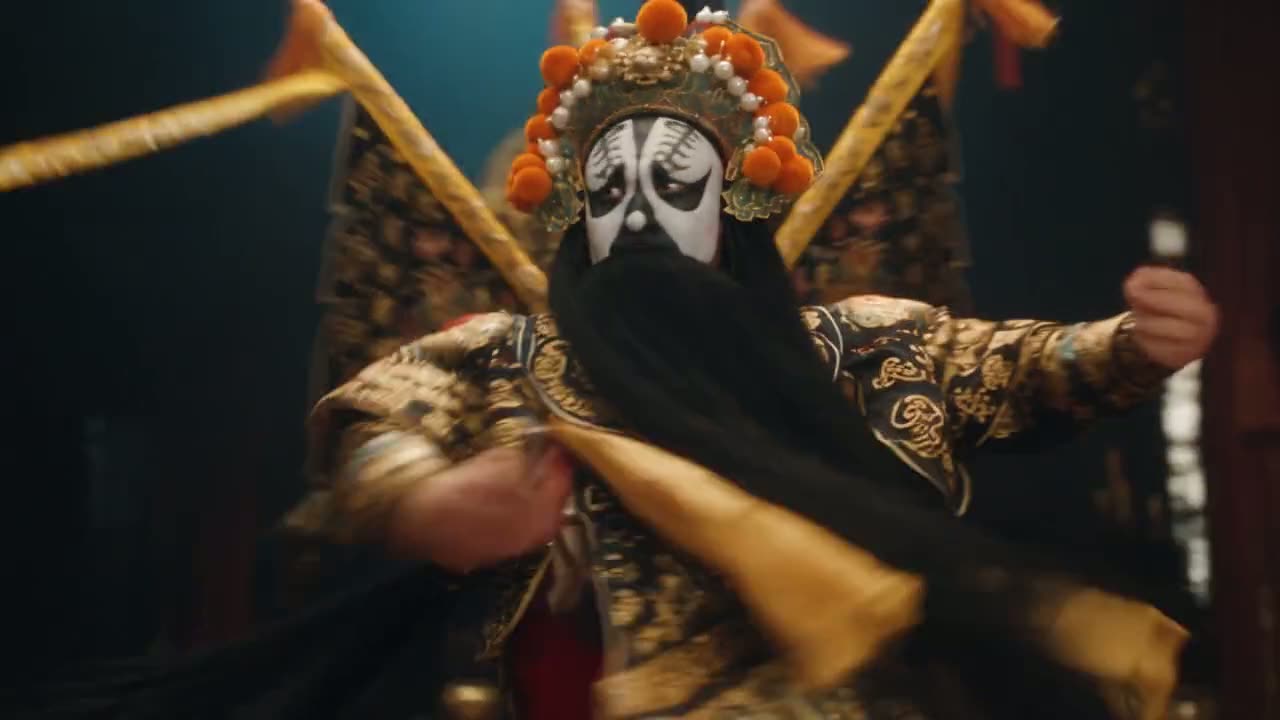
Stage and performance
Costume, stage light and music in a single take. Describe the moves and the rhythm you want.

Characters and toys
Plush animals in a sunny meadow, ready for a kids' channel, a bedtime story or a product teaser.
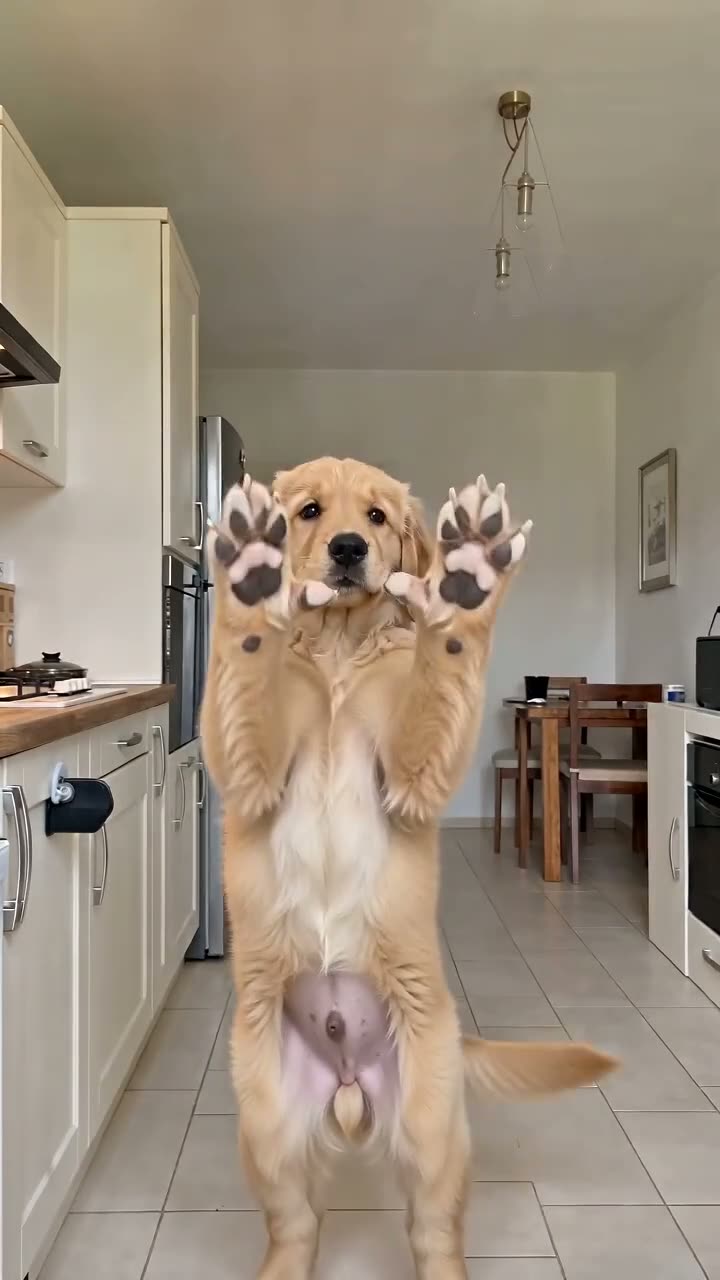
Bad Times AI
A dog, a cat or a baby acts out the famous kitchen argument, starting from one photo.
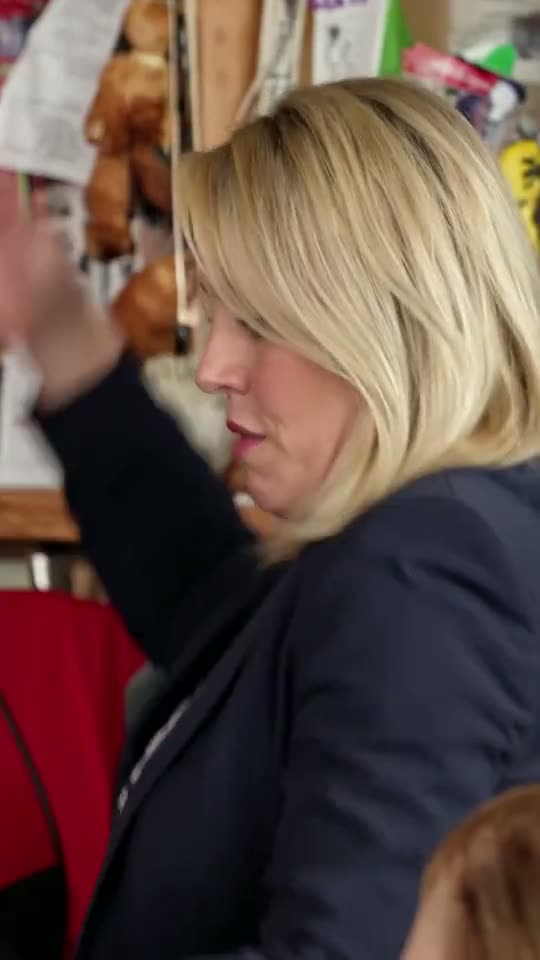
Tiny Desk AI
Up to five friends take over the band in the Outstanding Tiny Desk clip.

Hotel Lobby AI
Two people, or two pets, rap back and forth in the orange booth.
AI video models side by side
Every model in this table sits in the same generator, so you can switch without losing your prompt. If you already know what you want, go straight to the AI video generator on the home page.
| Seedance 2.5 | Seedance 2.0 | Seedance 2.0 Fast | Seedance 2.0 Mini | Veo 3.1 | |
|---|---|---|---|---|---|
| Clip length | 4 to 30 s | 4 to 15 s | 4 to 15 s | 4 to 15 s | 8 s |
| Resolution | 480p to 1080p | 480p, 720p | 480p, 720p | 480p, 720p | Not adjustable |
| Charged | Per second | Per second | Per second | Per second | Per clip |
| Credits | Highest per second | Middle | Below 2.0 at 720p | Lowest | Fixed by mode |
| Best for | Long scenes, 1080p | Clips up to 15 s | 720p for less | Drafts and tests | Short 8-second shots |
Which of the AI video models to pick
Match the model to the job, not the other way round. A common setup uses two of these AI video models: a cheap one for drafts and a stronger one for the final cut.
Testing a prompt
Use Seedance 2.0 Mini at 480p and 4 seconds. It costs the fewest credits and shows whether the scene, the camera and the subject come out right before you spend more.
Clips up to 15 seconds
Seedance 2.0 or 2.0 Fast at 720p covers most social clips. Fast uses fewer credits per second than 2.0 at 720p, so try it first and step up if you want more detail.
Long scenes and final cuts
Pick Seedance 2.5 when the clip needs more than 15 seconds, 1080p, or dialogue and music that run through the whole scene. Write the shots in order so the story holds together.
Use any of these AI video models in three steps
All the AI video models here run in a phone or desktop browser. Sign in first and keep enough credits for the model, length and resolution you pick.
Open the generator
Start on the home page or on a model page. The Seedance 2.5 page opens with that model already selected; the home page starts on Seedance 2.0 Mini.
Pick a model and write the prompt
Choose text to video or image to video, describe the scene and the sound, then set the length, resolution and aspect ratio the model allows.
Generate and download
Check the credits on the button and press Generate. When the render finishes, the video plays right there and a copy waits under My Videos.
Questions about AI video models
What is the best AI video model?
It depends on the clip. For long scenes with sound and 1080p, Seedance 2.5 is the strongest model on this site. For quick tests, Seedance 2.0 Mini costs the fewest credits. A common routine is to draft on Mini and render the final version on Seedance 2.5.
Which AI video models make videos with sound?
Seedance 2.5, Seedance 2.0 and Seedance 2.0 Fast create the soundtrack along with the video, from dialogue and music to background noise. Add the sounds to your prompt, such as waves and seagulls on a beach, or two friends chatting in a busy cafe.
Are these AI video models free to use?
No. Every model uses credits, and you see the exact amount on the Generate button first. A new account gets 30 free credits, which is less than the cheapest clip in the video generator but covers one Lite version of an effect from our collection of AI video effects.
Can I switch between models?
Yes. All of them sit in the same generator, so you can change the model without losing your prompt. The length, resolution and aspect ratio options update to what the chosen model supports, and the credits on the button change with them.
Why do the models cost different amounts?
Each model costs a different amount to run. Longer clips and higher resolutions take more computing, so Seedance models are priced per second and by resolution, while Veo 3.1 has a fixed price for each mode. The Pricing page lists the plans and credit packs.
How long does a video take to render?
Usually several minutes, depending on the model, the length and the resolution: a 4-second 480p draft is quick, a 30-second 1080p clip takes longest. Leaving the page does not stop the render; check My Videos later for the finished file.
Are these the official models?
The models are made by ByteDance (Seedance) and Google (Veo). We are an independent service that calls them through an API, with no affiliation to either company, and the model names belong to their makers. Renders that fail or get filtered cost nothing.
Which model should I use for TikTok or Reels?
Any of them can make vertical 9:16 video. For a quick post, Seedance 2.0 Fast at 720p is enough; for a longer clip with music or dialogue, use Seedance 2.5. Veo 3.1 also offers 9:16 for short 8-second shots.
Start with the newest model
Of the AI video models on this site, Seedance 2.5 makes the longest clips: up to 30 seconds with sound in one go. Write a scene and hear it play back.