
AI Video Effects
These AI video effects put the people, pets and babies from your photos into real viral clips, keeping the shots, the moves and the sound of the original. Pick an effect below, add your photos and download a video that is ready to post.
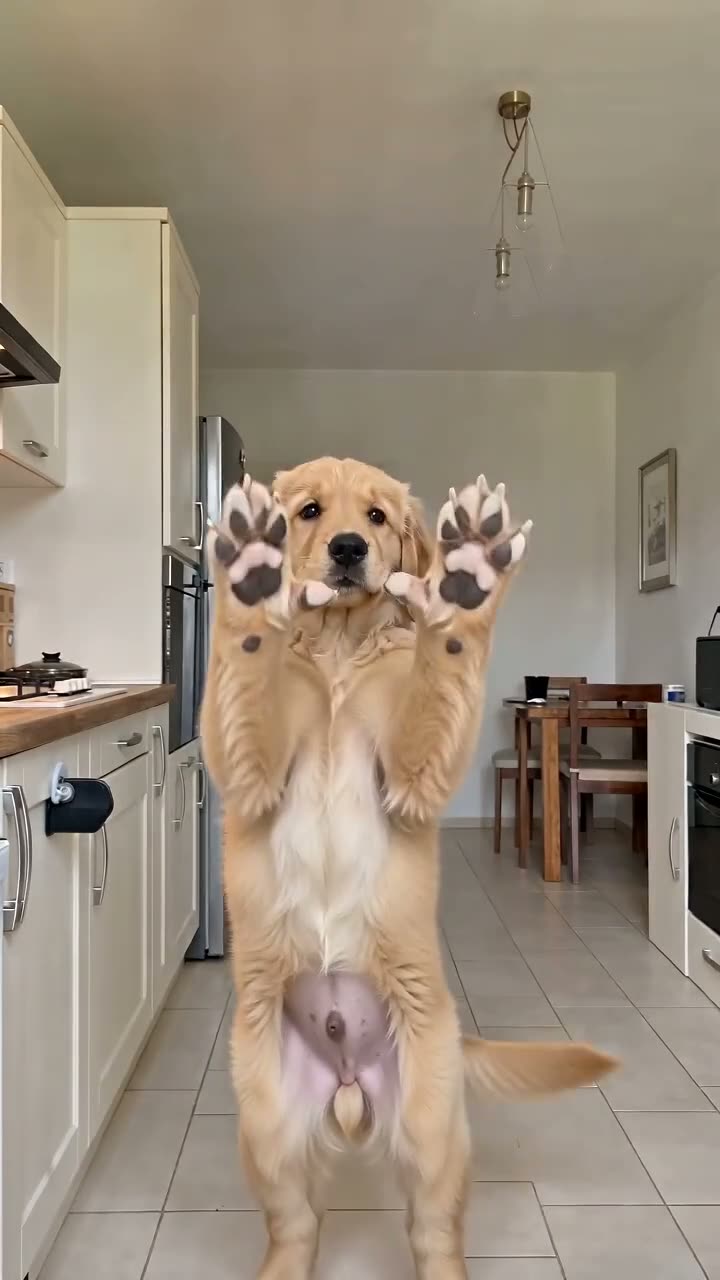
Bad Times AI
Your dog, cat, baby or you act out the viral argument with the camera.
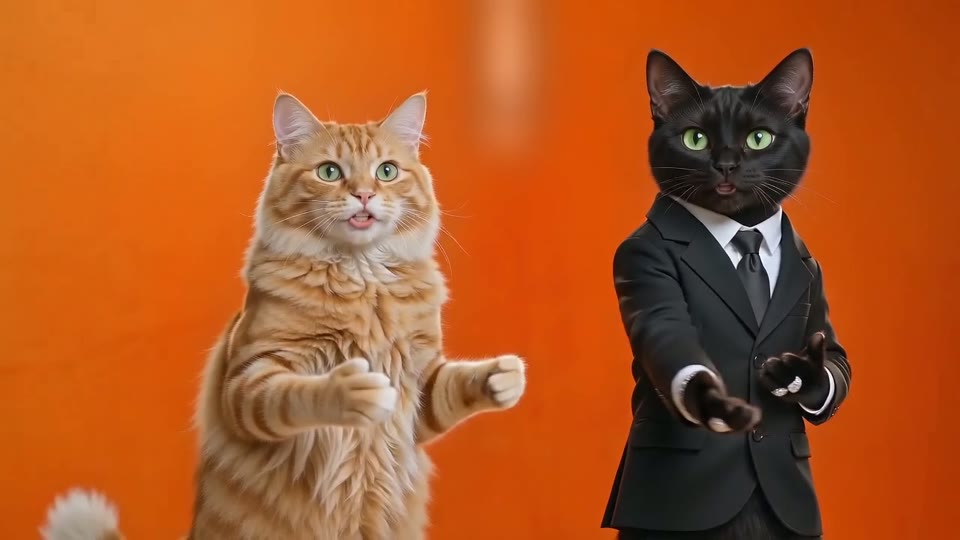
Hotel Lobby AI
Two people, or two cats, trade lines in the orange rap booth.
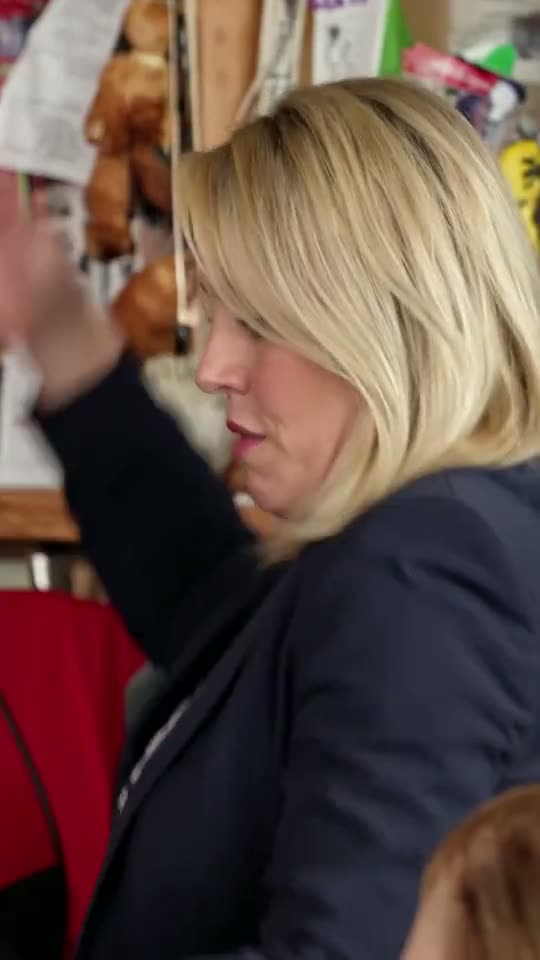
Tiny Desk AI
Up to five of you take over the band in the Outstanding clip.
What AI video effects do here
Our AI video effects start from a clip that is already trending instead of a blank prompt. The AI edits that clip and swaps in whoever is in your photos, so the cuts, the camera and the timing stay exactly as viewers remember them, and only the cast changes. A good place to start is the Bad Times AI video, the argument routine that people remake with their pets.
The real trend, not a lookalike
Each effect is built on the actual clip people are sharing. Viewers recognise it within a second, which is the whole point of joining a trend.
Your people, in their own clothes
Every photo supplies a face, hair and outfit, or fur and markings for a pet. That subject then follows the moves of whoever it replaces, frame by frame.
The original sound
The finished video plays the clip's own audio, so every beat lands where it did in the original. There is no track to pick and nothing to sync.
Nothing to type
No prompt and no editing timeline. Fill the photo slots, choose a length and press Generate; the rest happens on our side.
AI video effects compared with other ways to join a trend
People usually join a video trend in one of three ways. They differ in what you have to bring and in how close the result looks to the clip everyone knows.
| AI video effectsthis collection | Photo animationa still photo made to move | Editing templatesslots you fill in an app | |
|---|---|---|---|
| What you bring | One to five photos | One photo and a prompt | Clips or photos for each slot |
| Where the motion comes from | The original viral clip | Invented by the AI | Your own footage |
| Looks like the trend | Partly | ||
| Original sound | Usually not | ||
| Editing needed |
Which AI video effect fits your photos
Start from who you want in the video. Each of these AI video effects is built for a different number of people, and the photo advice on its page is written for that cast.
One pet, one baby or just you
Bad Times AI needs a single photo and has separate templates for pets, babies and people, so a dog's paws stay paws. Lengths run from 4 to 30 seconds, vertical for TikTok and Reels.
Two people or two pets
Hotel Lobby AI takes two photos, one for each side of the orange rap booth. It is the only landscape effect here, framed wide so both performers stay in the shot.
A group of up to five
Tiny Desk AI fills a whole band: lead vocals, sax, keys and two backing singers. The lead is required; any seat you leave empty keeps the original musician.
How to use AI video effects
Every AI video effect works the same way in any phone or desktop browser, with no app to install.
Pick an effect
Open the effect page. The photo slots show who you are replacing, and the examples next to them show what a finished video looks like.
Add photos and a version
Upload one clear photo per subject, then choose a length and a level. Shorter and lower versions finish sooner and use fewer credits; the button shows the cost first.
Generate and post
Press Generate. You can close the tab while it renders, because the video waits under My Videos. Download the MP4 and post it with the AI label switched on.
Questions about AI video effects
What are AI video effects?
Here, AI video effects are ready-made edits of real viral clips. You add photos of the people or pets you want in the clip, and the AI replaces the original performers with them while the shots, movement and sound stay the same. You get a short video that looks like the trend everyone has seen, with your own cast.
How are AI video effects different from photo animation?
Photo animation makes a still picture move, usually with invented motion and a generic background. These effects work the other way round: the motion, the setting and the edit come from a real clip, and only the subjects change. That is why the result reads as the trend rather than as a new video.
Which photos work best?
One subject per photo: one adult, one pet or one baby, sharp, well lit and turned toward the camera. People work best waist-up; pets and toddlers work best full-body. Only use photos of people who agreed to be in the video, and never photos of other people's children, celebrities or public figures.
How long does a video take?
It depends on the effect, the length and the level. Short, low-level versions are usually done in two to four minutes; long, sharp or multi-person versions can take ten minutes or a little more. The page shows an estimate while it renders, and you can come back to My Videos later.
Do the effects cost credits?
Yes. Each combination of effect, length and level uses a set number of credits, shown on the button before you generate. A new account starts with 30 free credits, enough for one 4-second Lite version of any effect. After that, credits come with a plan or a top-up listed on the pricing page. A render that fails or gets filtered is never charged.
Can I make a video from my own prompt instead?
Yes, with the AI video generator on the home page, which turns text or an image into a brand-new clip. Effects solve a different job: they reuse a trending clip and only change who is in it, so you get the recognisable trend without writing or testing prompts.
Can I post the videos on TikTok, Reels and Shorts?
Yes. Bad Times and Tiny Desk export vertical 9:16 MP4s; Hotel Lobby exports a wide 16:9 MP4, which all three platforms also accept. Every video keeps the clip's own sound. Switch on the platform's AI-generated label when you post, and only share videos of people who are happy to appear in them.
Will more effects be added?
Yes. A new effect is added when a trend takes off and its clip works well with face replacement. Each one gets its own page in this collection, with its own versions, photo tips and examples, so this page is the place to check what is new. The latest trend to get its own page is the Outstanding Tiny Desk AI meme.
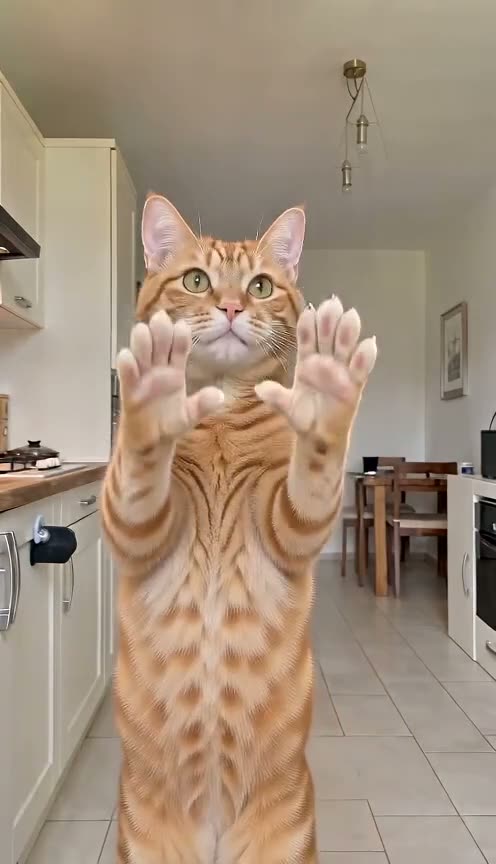
Start your first AI video effect
Pick the trend that fits your photos, add them, and get your version back in minutes.